igor
July 8, 2026, 3:45pm
1
I've been using RStudio for years. I just installed it on a new machine. When I try to launch it, I get an error:
The version of R you are using (R 4.6.1) is newer than the maximum version of R supported by this version of RStudio (R 4.6.0).
RStudio version: RStudio 2026.06.0+242 "Blue Plumbago " (d1dc28bb, 2026-06-18) for macOS.
Yes, technically this version of RStudio was released a few days before 4.6.1, but it was very much expected. It's really odd that the latest version of RStudio is not working with the latest version of R.
GaryR
July 9, 2026, 4:23pm
2
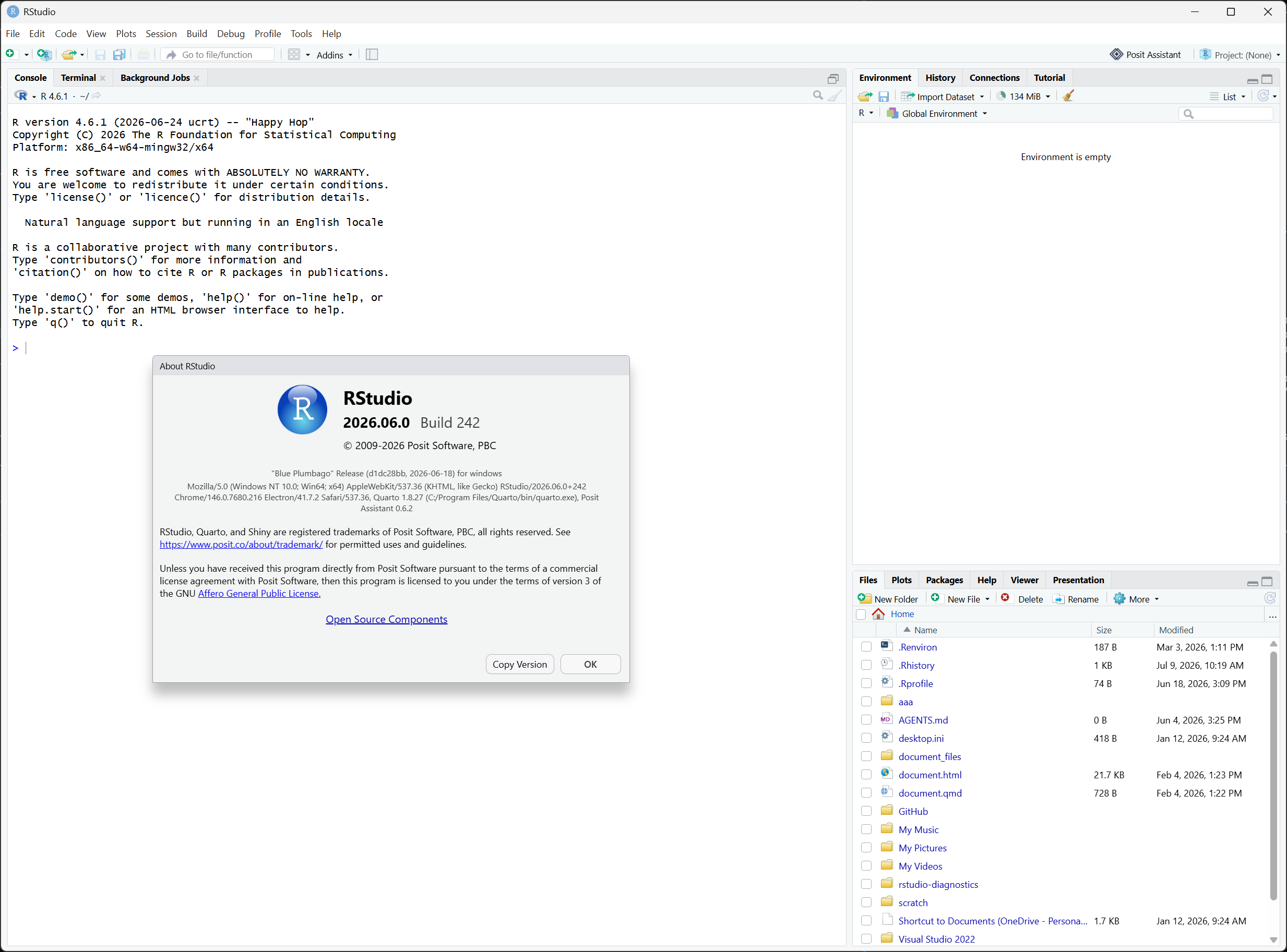
I'm able to use R 4.6.1 with that same build of RStudio without the error. I've only tried on Windows so far, but will try on Mac in a bit.
igor
July 9, 2026, 4:43pm
3
Thank you for checking. It turns out the real problem was permissions of ~/.local/share/rstudio/log. After fixing that, RStudio opened.
However, it's odd that the R version error was showing up at all.
GaryR
July 9, 2026, 4:51pm
4
Yup, looking at the code, this message is only shown when there is a problem at startup of RStudio. Just having a version > 4.6.0 is not enough on its own to trigger the message.
There's no problem with 4.6.1 and current RStudio. I've opened an issue to bump the constant so this red-herring message isn't shown.
opened 04:49PM - 09 Jul 26 UTC
bug
### Summary
The maximum tested R version in `cmake/globals.cmake` is stale. It … is currently set to `4.6.0`:
```cmake
set(RSTUDIO_R_VERSION_MAXIMUM "4.6.0")
set(RSTUDIO_R_MAJOR_VERSION_MAXIMUM 4)
set(RSTUDIO_R_MINOR_VERSION_MAXIMUM 6)
set(RSTUDIO_R_PATCH_VERSION_MAXIMUM 0)
```
R 4.6.1 was released on 2026-06-24 and is now the latest R 4.6.x. This constant should be bumped to `4.6.1`.
### Background
This value is a "tested with" ceiling, not a hard version gate. It does not block RStudio from starting, and R 4.6.1 on its own works fine in RStudio. The constant is consumed in only two places:
- `src/cpp/session/SessionMain.cpp` (~line 604): logs a warning ("...newer than the maximum version of R tested with this version of RStudio...") when the running R exceeds the maximum. Log-only; no user-facing effect.
- `src/node/desktop/src/main/gwt-callback.ts`, `addRVersionTooNewError()` (~line 1187): adds a note to the desktop launch-error page ("The version of R you are using (R x.y.z) is newer than the maximum version of R supported by this version of RStudio...").
Importantly, the desktop message is only produced when the launch-error page requests the `launch_failed` diagnostic, which happens only when the rsession process fails to launch for some other reason. In that situation the note is prepended to the actual launch-failure message. With the maximum stuck at `4.6.0`, any user running R 4.6.1 (or newer) who hits an unrelated startup failure will see this note appended to their error page, which is misleading since the R version is not the cause.
### Proposed change
Bump the maximum to the current released R version (4.6.1) in `cmake/globals.cmake`. This should be revisited each time a newer R is released.
GaryR
July 9, 2026, 4:53pm
5
This warning was added, I believe, because R 4.6.0 was a hard-break; we had to make significant changes to RStudio to support it, and earlier version of RStudio would crash with R 4.6.0.
igor
July 9, 2026, 7:04pm
6
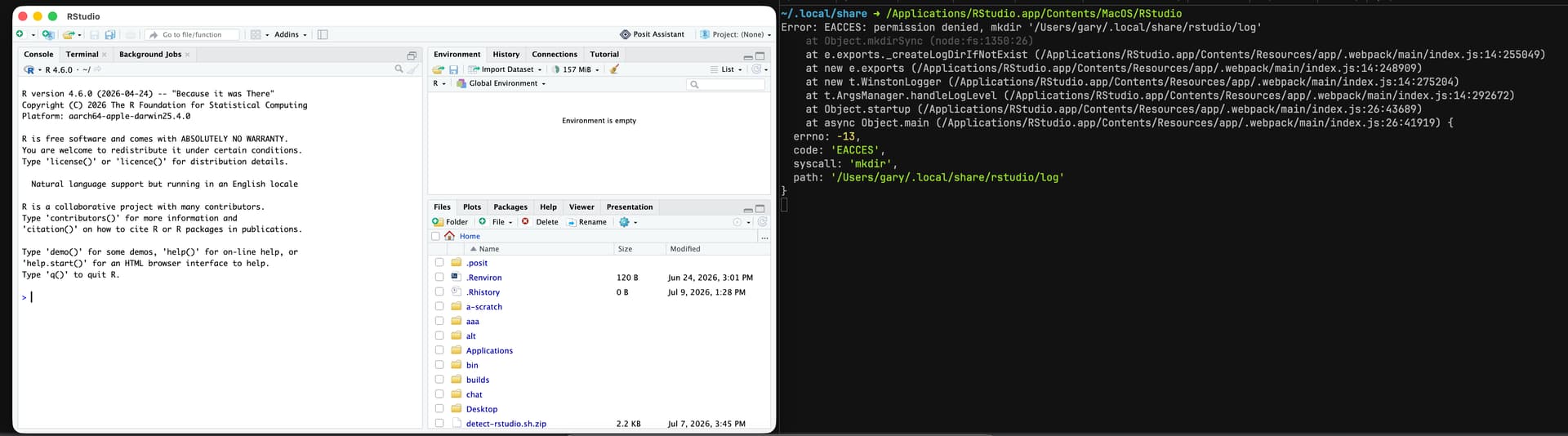
I discovered the real issue when I tried to launch from CLI:
$ /Applications/RStudio.app/Contents/MacOS/RStudio
Error: EACCES: permission denied, mkdir '/Users/username/.local/share/rstudio/log'
at Object.mkdirSync (node:fs:1350:26)
at e.exports._createLogDirIfNotExist
It would've been great to have that show up somewhere in the GUI error window.
GaryR
July 9, 2026, 7:33pm
7
igor
July 9, 2026, 8:01pm
8
Interesting. Maybe there is another level of error messages to uncover.