Hello everyone,
I just spent a good amount of time debugging an issue with the native R pipe (|>) that I wanted to share, as I'm sure I'm not the last person this will happen to.
I had code that was failing with a confusing error:
# This code FAILED
genes_tpm |>
  names()
Error in `names()`:
! 0 arguments passed to 'names' which requires 1
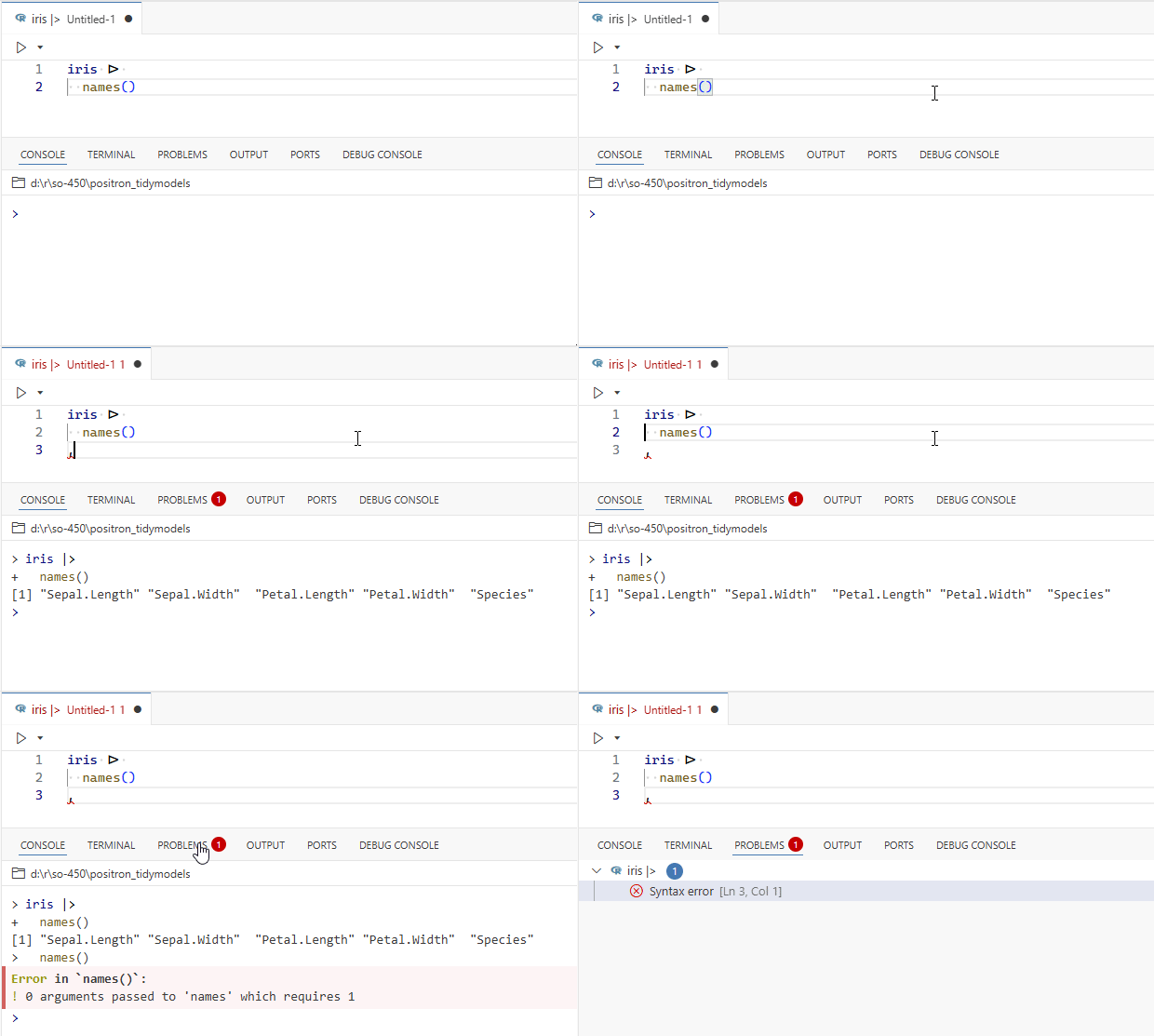
My first thought was that the native |> pipe didn't support being broken onto a new line, because this worked perfectly:
# This code WORKED
genes_tpm |> names()
This was frustrating, as writing piped operations on multiple lines is critical for readability.
any solution??
Thanks,
Amandeep
This behaviour is likely triggered by a syntax error somewhere in your current file, can be hundreds of lines from your current cursor location. Any issues reported in the PROBLEMS tab ?
There are several related open issues, you can check those few and others linked from those:
opened 05:24PM - 30 Jun 25 UTC
bug
lang: r
area: kernels
## System details:
#### Positron and OS details:
Positron Version: 2025.08.0 b… uild 11
Code - OSS Version: 1.100.0
Commit: 36d51df958094ed934197a2f056b09eb4448798d
Date: 2025-06-30T03:39:41.602Z
Electron: 34.5.1
Chromium: 132.0.6834.210
Node.js: 20.19.0
V8: 13.2.152.41-electron.0
OS: Darwin arm64 24.5.0
#### Interpreter details:
R 4.5.0
## Describe the issue:
If you have an R script with:
- a pipeline with line breaks
- followed by some incomplete code
Running the pipeline on top with CMD+Return doesn't run the entire pipeline.
https://github.com/user-attachments/assets/9a189781-4e04-4a64-8c77-8ea75713ac63
## Steps to reproduce the issue:
1. Create an R script with the following, put cursor on Line 1, run Line 1 with CMD+Return, all good!
```r
1 + 1
# buggy, incomplete code below
2 |>
sum(
```
2. Create an R script with the following, put cursor on Line 1, run Line 1 with CMD+Return, also all good!
```r
1 |> sum(1)
# buggy, incomplete code below
2 |>
sum(
```
3. Create an R script with the following, put cursor on Line 2, try to run the entire pipeline with CMD+Return, entire pipeline is not sent to the Console. There is no error but clearly something is wrong.
```r
1 |>
sum(1)
# buggy, incomplete code below
2 |>
sum(
```
4. Create a slightly more realistic R script where the pipeline uses dplyr functions and try again, putting cursor on Line 2, try to run the entire pipeline with CMD+Return, entire pipeline is not sent to the Console, resulting in an error this time.
```r
library(tidyverse)
mtcars |>
mutate(x = 1)
# buggy, incomplete code below
2 |>
sum(
```
## Expected or desired behavior:
Regardless of broken/buggy code further down in the script, a "good" pipeline with line breaks should be sent to the Console entirely.
## Were there any error messages in the UI, Output panel, or Developer Tools console?
No.
opened 01:17PM - 15 Oct 24 UTC
area: console
lang: r
Take this long function which has a syntax error:
```r
f <- function() {
( #… Syntactically invalid
NULL
NULL
NULL
NULL
NULL
NULL
NULL
NULL
NULL
NULL
NULL
NULL
NULL
NULL
NULL
NULL
NULL
NULL
}
```
Try to evaluate it with cmd+enter. Only `f` gets sent at the console, which is surprising.
https://github.com/user-attachments/assets/a4329607-8e0d-4f97-a2bf-805888534253
Now select the function and evaluate with cmd+enter:
- The selection is written to the console but not _sent_ to the kernel.
- The code sent to the console is not scrolled down. Scrolling with the trackpad/mousewheel doesn't work.
https://github.com/user-attachments/assets/9e7791ab-ef47-44e3-89b5-3f302a42dfa4
This behaviour makes it seem like Positron is stuck. In reality the user can interrupt, and can fix the code before sending it, but it's really not obvious what is expected of the user.
I'm thinking we should avoid sending any code to the kernel or console when there is a syntax error and that instead we should notify the user that the code must be fixed before being evaluated. Either with a notification or with a dialog. While a dialog is more intrusive, I think it wouldn't be too bad here, to make it very clear that the user is responsible for fixing the syntax error.
Hi there,
Thank you for the reply. the problem still persists, if I start a new Rscript.
Best
Amandeep
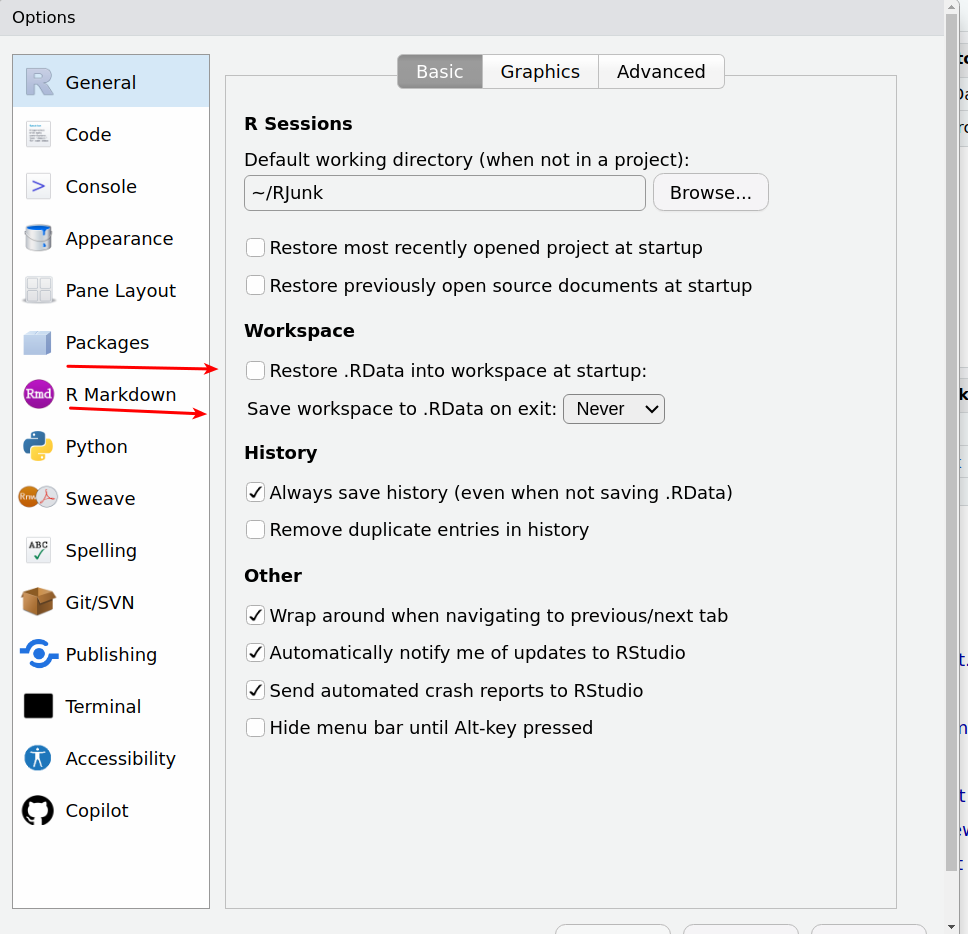
Is there any chance that you are loading a .rdata file on startup?
IT's usually a good idea not to have RStudio do an automatic restore.
this is problem with Positron @jrkrideau
How exactly would you reproduce this?