Hello,
I am having some trouble in loading an image in a simple modalDialog inside an onFlushed call. Possibly it is a bug. I am using flexdashboard. Here is the .Rmd of the app
---
title: "App"
output:
  flexdashboard::flex_dashboard:
    orientation: rows
    vertical_layout: fill
    css: styles-default.css
    logo: tsf_logo.png
    navbar:
runtime: shiny
---

```{r setup, include=FALSE, message=FALSE}

# show modal once after initial UI is flushed to the client
invisible(session$onFlushed(function() {
	showModal(
		modalDialog(
			title = NULL,
			easyClose = FALSE,
			fade = TRUE,
			size = "l",
			# htmltools::includeHTML("welcome_modal.html"),
			footer = htmltools::tags$div(
				style = "text-align: center;",
				actionButton("start_app", "Start", class = "btn btn-primary btn")
			),
			htmltools::tags$div(
				class = "modal-body",
				style = "text-align: center; margin-top: 20px;",
				htmltools::tags$img(src = "tsf_logo.png", width = "200px", alt = "Logo"),
				htmltools::tags$p(
					style = "font-size:18px; max-width:600px; margin:auto; margin-top:20px;",
					htmltools::tags$b("Welcome!"),
					htmltools::tags$br(),
					"Some text here..............."
				),
				htmltools::tags$p(
					style = "font-size:16px; margin-top:20px;",
					htmltools::tags$b("Author:"),
					" ",
					htmltools::tags$a(href = "url", target = "_blank", "author"),
					htmltools::tags$br(),
					htmltools::tags$b("Licensed under:"),
					" ",
					htmltools::tags$a(href = "url", target = "_blank", "license")
				)
			)
		) |>
    htmltools::tagAppendAttributes(class = "custom-modal")
	)
}, once = TRUE))

observeEvent(eventExpr = input$start_app, handlerExpr = { removeModal() })
Data {data-orientation=rows}
===========================================================================

Input {.sidebar}
---------------------------------------------------------------------------

Row 1 {.tabset}
---------------------------------------------------------------------------

### Data {.no-padding}

### Structure {.no-padding}

### Summary {.no-padding}


Visualize {data-orientation=rows}
===========================================================================

Input {.sidebar}
---------------------------------------------------------------------------

Row 1 {data-height=400}
---------------------------------------------------------------------------

### {.no-padding}

### {.no-padding}


Row 2 {data-height=600}
---------------------------------------------------------------------------

### {.no-padding}

### {.no-padding}
The result is this
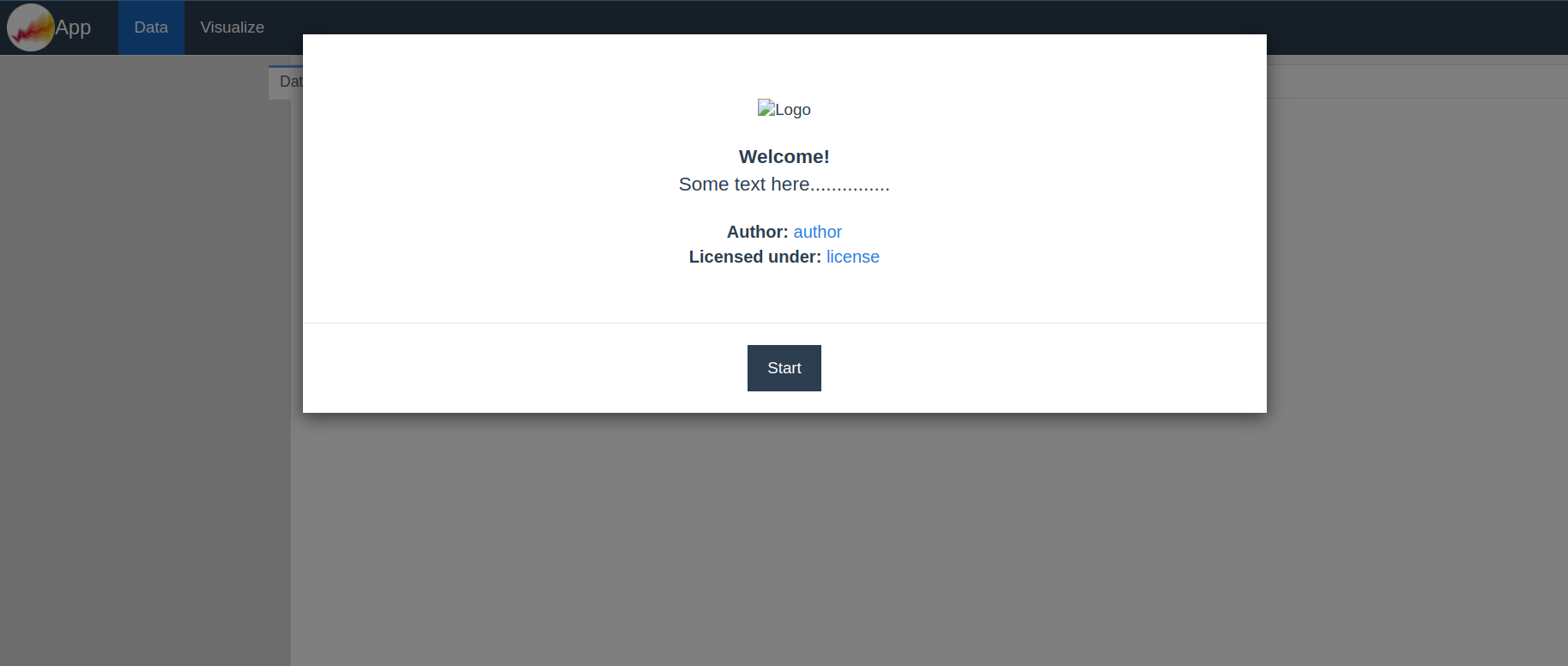
As you can see the logo is correctly loaded in the navmenu but it is not in the modal.
Thanks for any help/suggestions.