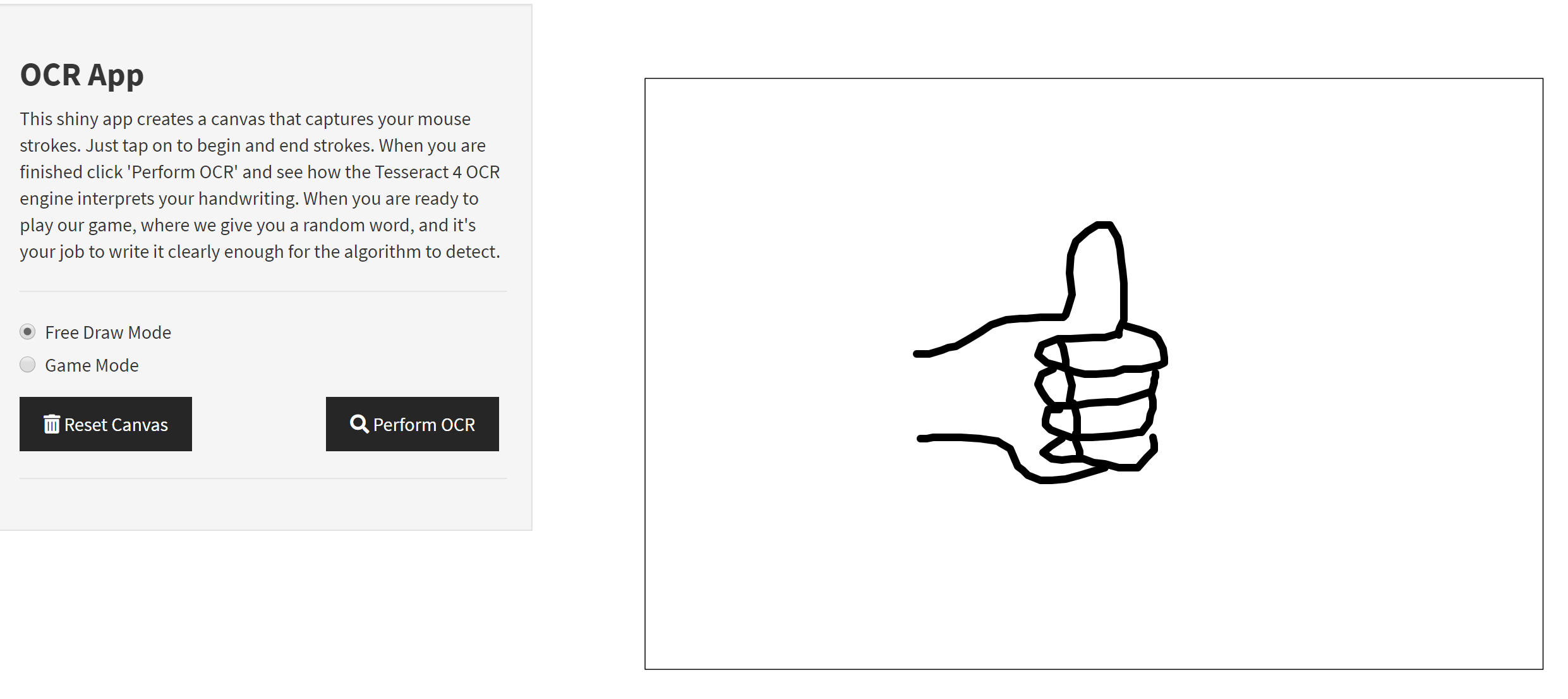
Description
This application uses the Optical Character Recognition (OCR) functionality from the tesseract package in order to create a little game testing your ability to draw letters on a computer screen! To interact with the canvas, simply click on a point somewhere on the canvas. As you move the mouse, the pen stroke will appear. Clicking again will complete the stroke.
Features
There are two modes:
- Free-Draw Mode - Here, the player can practice their drawing skills, and get used to the somewhat unusual input method! They can then submit and have their word read by the OCR algorithm.
- Game-Mode - In this mode, a three or four letter word will be provided to the player. The player has a bit under 30 seconds to draw the word on the canvas and submit the result to see if the OCR algorithm recognizes the word.
Screenshots
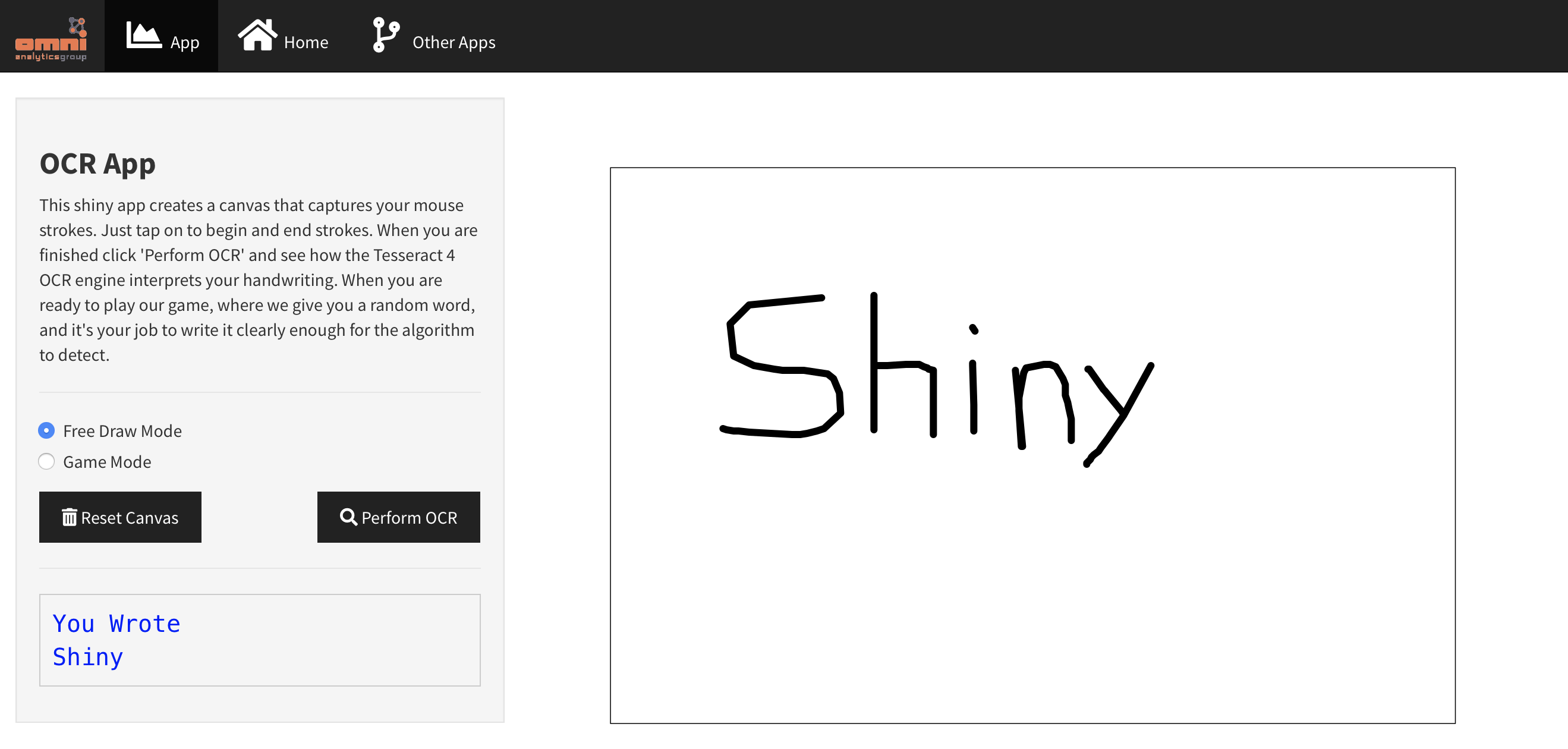
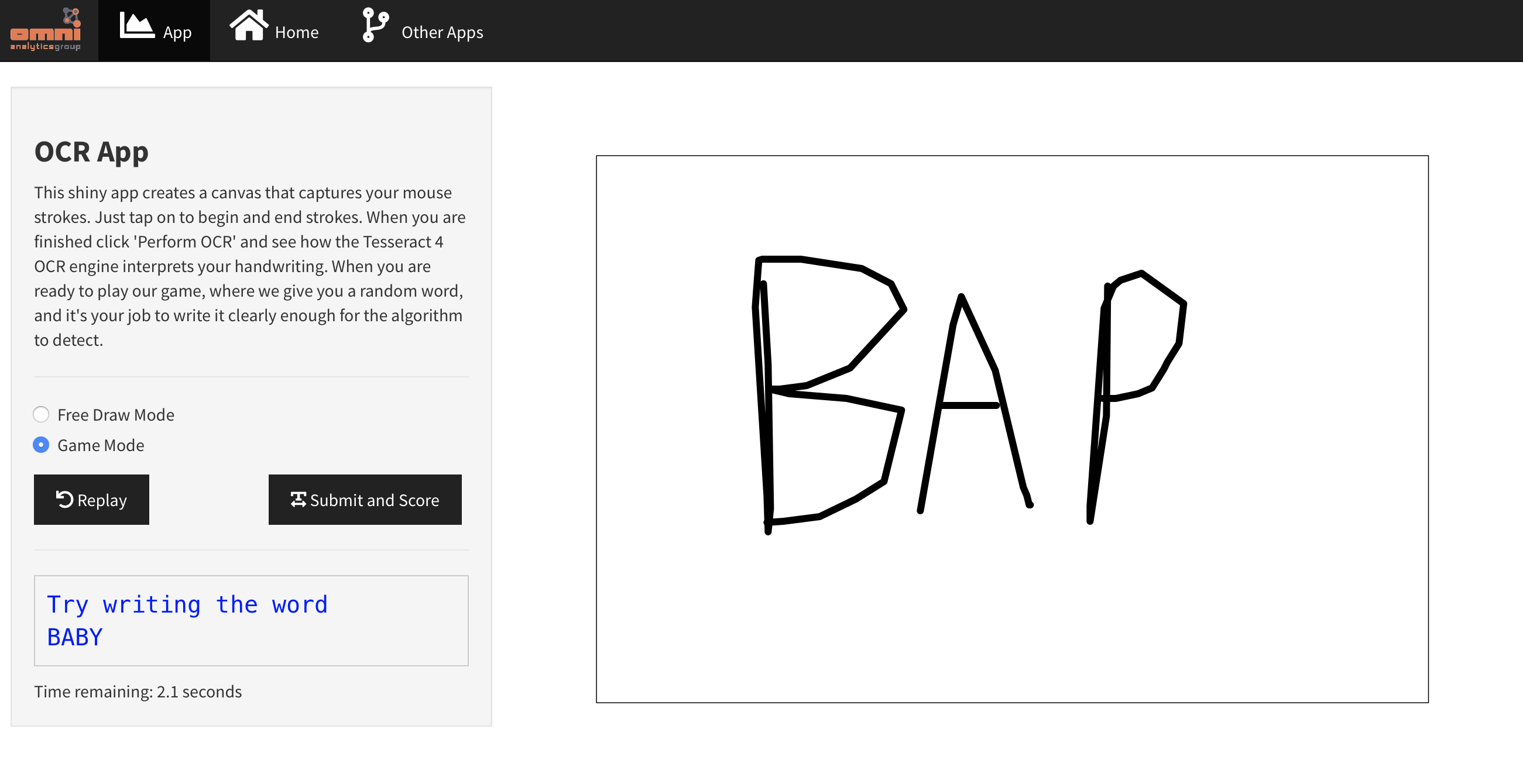
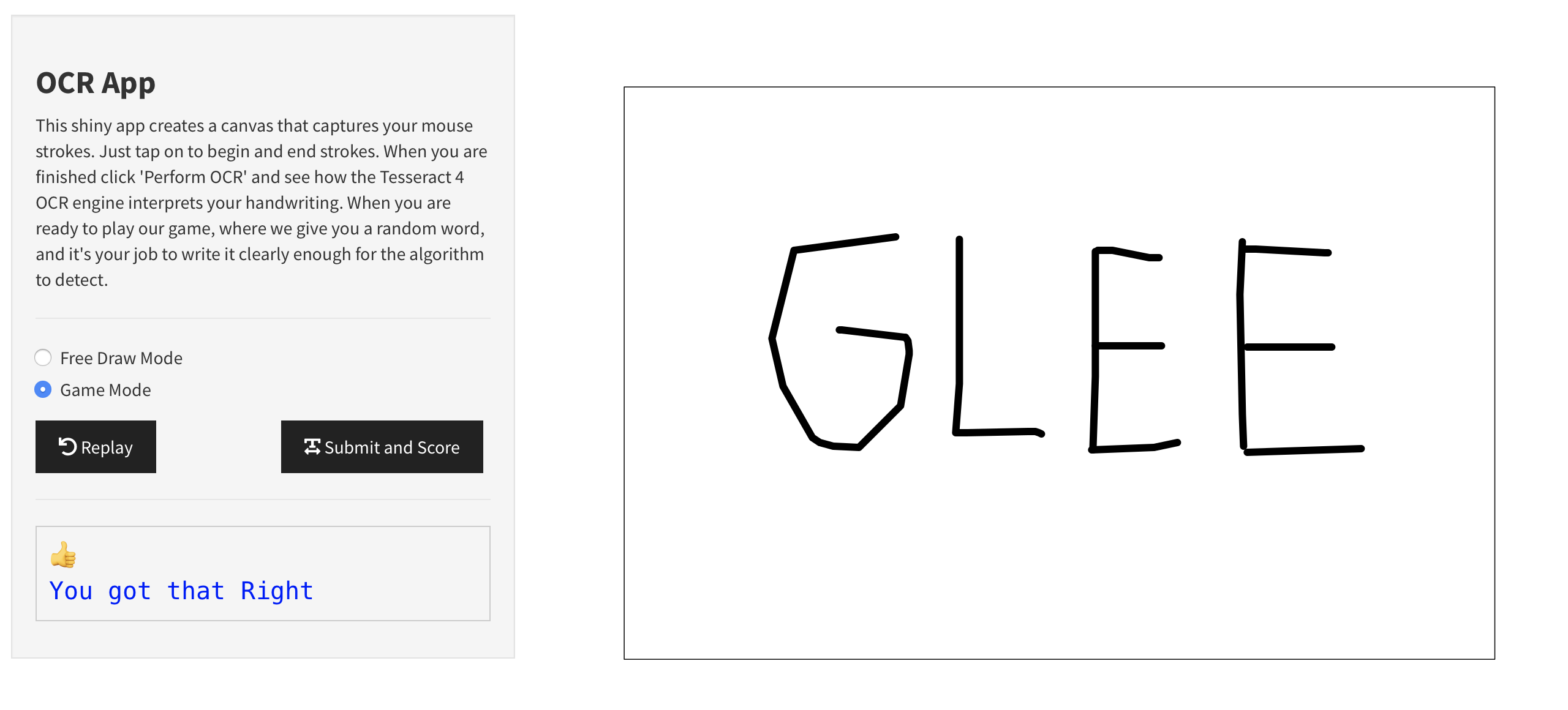
Links
RStudio Cloud: Posit Cloud
ShinyApps: https://erichare.shinyapps.io/ocrdraw/
OmniAnalytics: omnianalytics.io - This website is for sale! - omnianalytics Resources and Information.
Technical Details
The tesseract package contains an open source OCR engine. Utilizing the inputs available in Shiny, along with a blank plotting canvas, we’ve used the strokes detected on the blank plot as input to the OCR engine. From there, we used a simple dictionary plus a javascript-based timer in order to create a game mode out of it.
Caveats and Issues
- The RStudio Cloud server does not include the required system libraries to install the
tesseractpackage. Therefore, this cannot be run directly on the cloud server at this time. - The application performs more slowly on a hosted shiny server, including shinyapps.io. The performance is better while running locally. This is an area of improvement that we are looking towards for future iterations of the application.
- Sometimes, the game mode will briefly show a word before switching to a new word when switching from free draw to game mode.