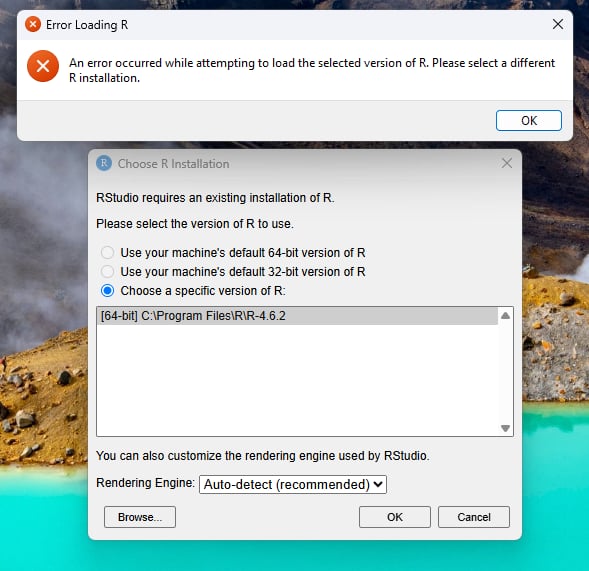
RStudio can't find R

Hi! I got a new laptop and installed R and R studio.

  • R can open and work when I use it, but only R studio can't open.
  • I installed both programs in default location.
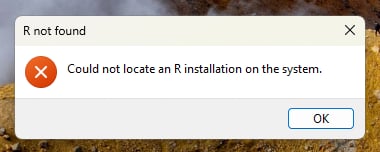
I also tried to uninstall and reinstall R and RStudio, but it didn't work as well.

Please give me some suggestions. Thank you a lot.

System Information:

  • RStudio Edition: Desktop
  • RStudio Version: 2026.10.1
  • OS Version: Window 11
  • R Version: 4.6.2

Thanks for the report! We've filed this as an RStudio issue so it can be tracked: "Could not locate an R installation" is shown when R was found but failed to start; registry paths are read with ANSI APIs · Issue #19499 · rstudio/rstudio · GitHub

A fix is already in progress; feel free to follow along or add details there.

If RStudio isn't detecting the R installation on startup, holding down the Ctrl key (on Windows/Linux) while launching RStudio forces the 'Choose R Installation' dialog to open. From there you can manually browse to the exact bin/x64 directory of your installed R version, or check %appdata%\RStudio\desktop.ini to clear any stale RBinDir path.