avodon
February 26, 2024, 4:54pm
1
Hi all, I am completely new to RStudio, transition from SPSS to Rstudio.
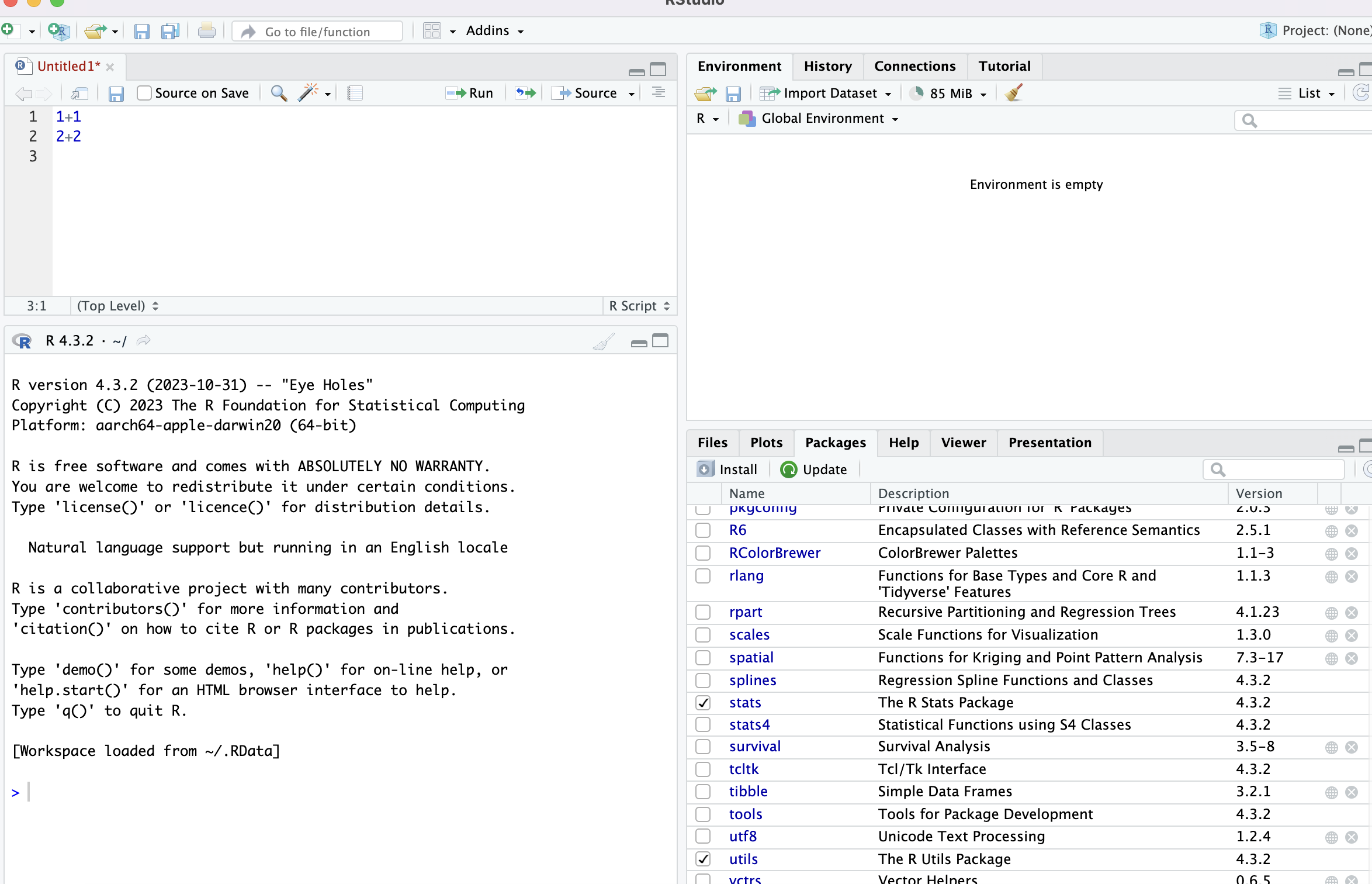
I have watched many YouTube videos and tried by myself for hours to get RStudio to print the answer to 2+2 = 4, but I failed.
I know this might be a silly question, but can anyone help me with this error?
You need to run the code. You can do this a few ways
Press the run button (this is a bit above and to the right of where you currently typed your code in the same panel)
Go to the line you want to run and type "ctrl+enter" (Windows) or "command+return" (Mac)
Highlight the code you want to run type "ctrl+enter" (Windows) or "command+return" (Mac)
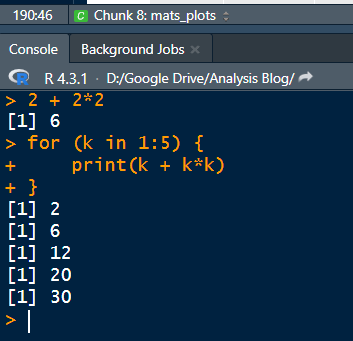
Type code directly in the console - this is where yours says "R 4.3.2" at the top
avodon
February 26, 2024, 5:02pm
3
OMG, thank you so much, I tried for hours by just simply pressing enter (return) on MAC and it doesn work. Thank you for help.
In addition,
Your screen of R-Studio has 4 parts.@StatSteph wisely answered.
Left - Down is console and background jobs. In the console any code you enter automatically runs.
Right - Up - usually shows environment data (variables, etc.)
Right - Down - usually shows plots and help.
You can change any of those by choosing: view --> panes --> panes layout
There are a number of ways to learn how to use R and RStudio. May I suggest that you check this free course out: