After updating Java packages on Posit Connect server, an issue with the Java dependency (rJava) appeared, which causes Java-based applications to fail.
The root cause seems to be missing linkage to Java (libjvm.so):
  error: unable to load shared object '/opt/rstudio-connect/mnt/packrat/4.4.1/v2/library/rJava/7ca62a0003c51d5684b8d70e8a7d0404/rJava/libs/rJava.so':
  libjvm.so: cannot open shared object file: No such file or directory
libjvm.so itself definitely exists on server, however Connect cannot find its path.
 java -version
openjdk version "1.8.0_462"
OpenJDK Runtime Environment (build 1.8.0_462-b08)
OpenJDK 64-Bit Server VM (build 25.462-b08, mixed mode)

ls -l /usr/lib/jvm/java-1.8.0-openjdk-1.8.0.462.b08-2.el8.x86_64/jre/lib/amd64/server/libjvm.so
-rwxr-xr-x. 1 root root 23943112 Jul 11 18:08 /usr/lib/jvm/java-1.8.0-openjdk-1.8.0.462.b08-2.el8.x86_64/jre/lib/amd64/server/libjvm.so
I am thinking about adding some paths to the /etc/rstudio-connect/rstudio-connect.gcfg file, but I cannot find any guidance or examples on this matter.
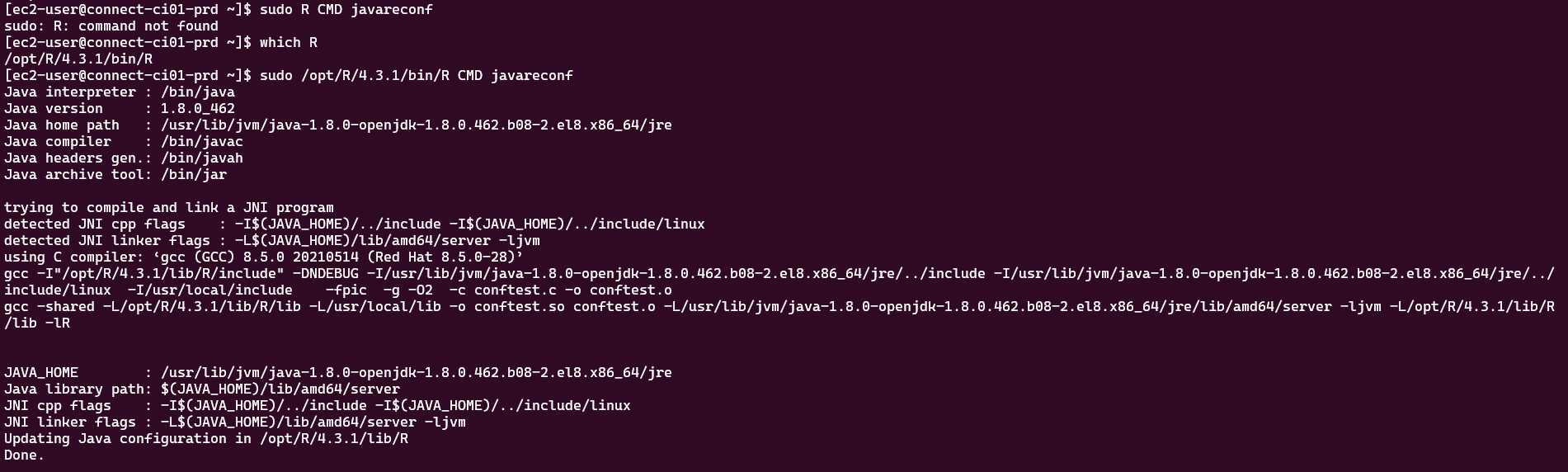
After all, sudo /opt/R/4.4.1/bin/R CMD javareconf helped to configure the paths for R 4.4.1 which is default version for our Connect (when I did which R I got the wrong version, thus configured paths for the wrong R).
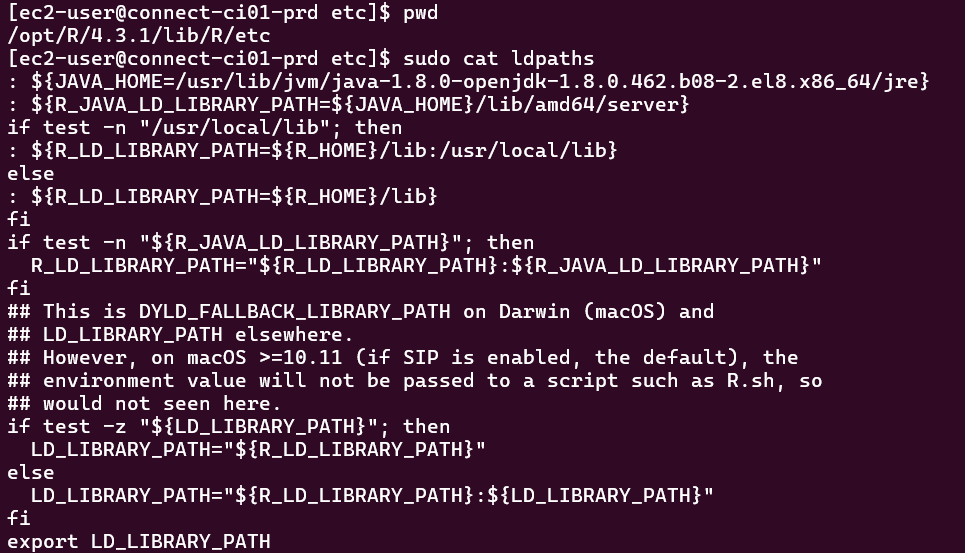
The screenshot you shared appears to reference R 4.3.1. The error in your initial post indicates that R 4.4.1 is in use by the content. You'll need to run R CMD javareconf for each version of R on the system.