Hi.
New-ish to positron. In recent updates the Data Explorer is not opening csv files. Previous versions of the program did this. I checked for an update but it says it's up to date. It' not only my version, but my colleagues one as well. Mac OS. Explorer opens, but it's blank.
Help!
Dan
Can you say more about what you mean by "not opening" CSV files?
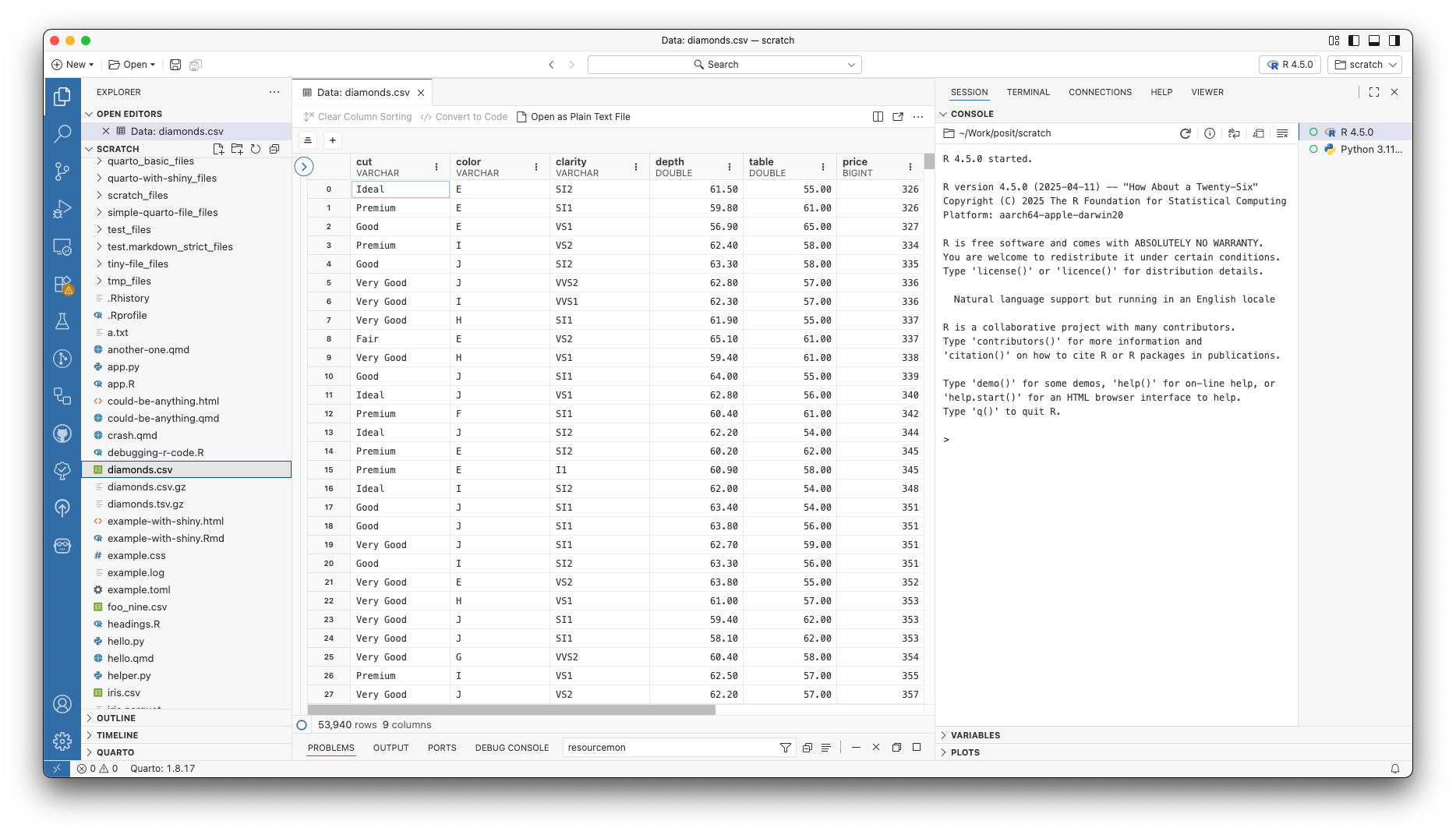
If I have a CSV in my workspace and I click on it in the File Explorer (the pane on the left), I see the contents of the CSV pop open in the Data Explorer:
I mean that I click, the data explorer opens. It's empty (see screenshot) but i can do open as text file. I know these are properly formatted csv files that are not empty.
Hello! I'm not sure I can replicate this. It shouldn't say "Data Explorer" it should say the name of the csv you have clicked. Another way you can try is to load the data into your R session and then click on it from there as described here: Data Explorer – Positron
Hi Katelyn,
That works. But do I have to that every time? It's some kind of interaction of the version and my OS. The explorer opens csvs without loading the data into the environment on another Mac I have.