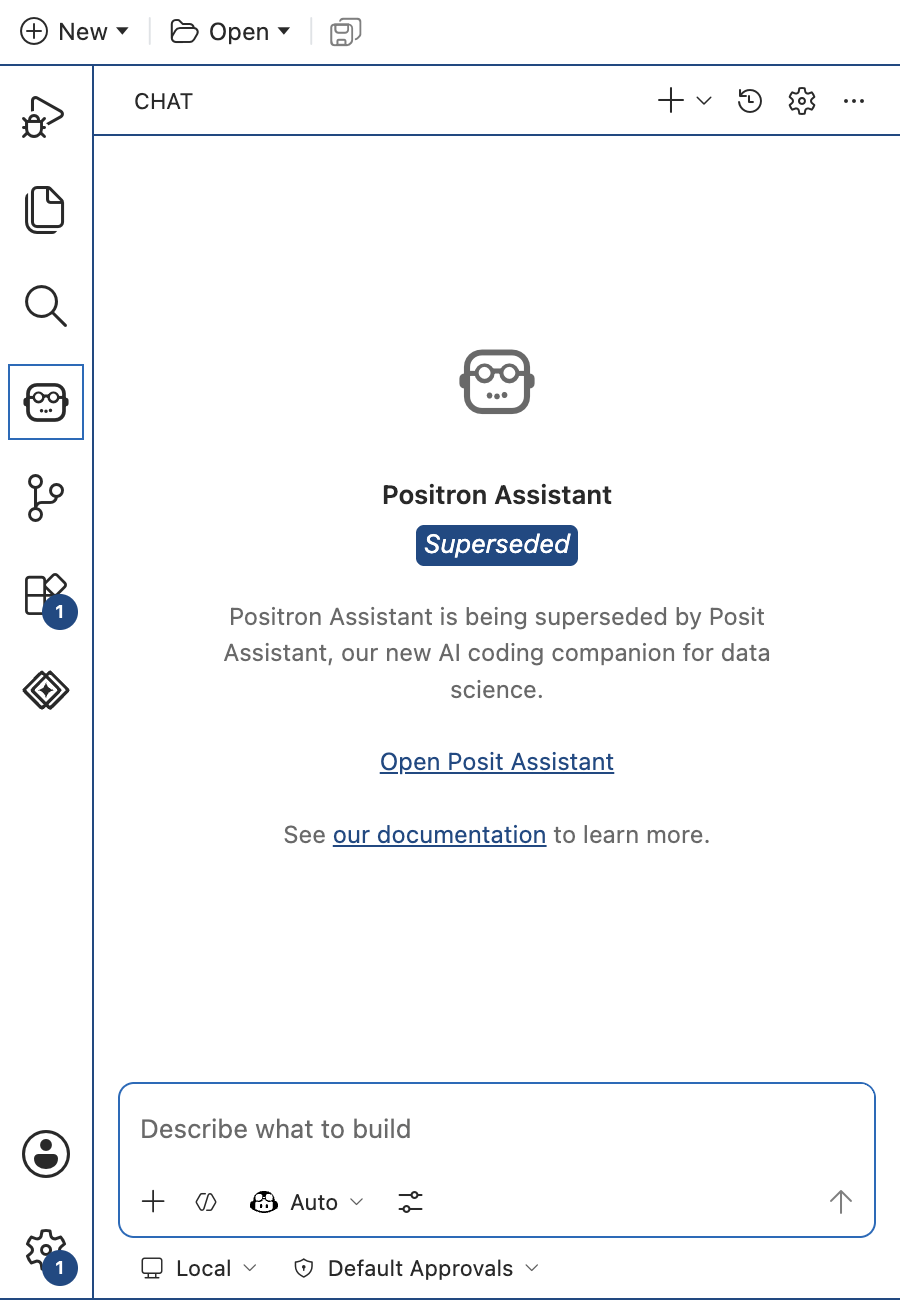
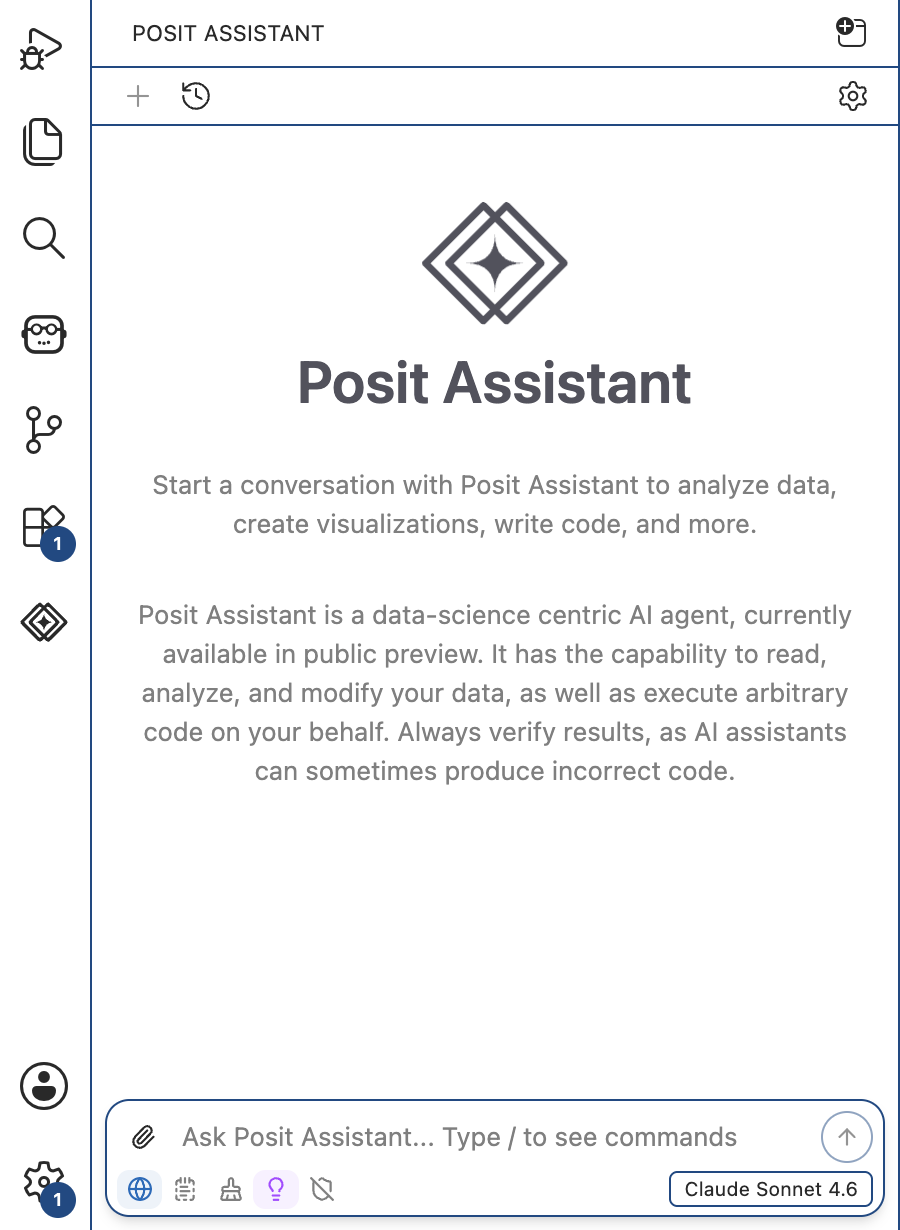
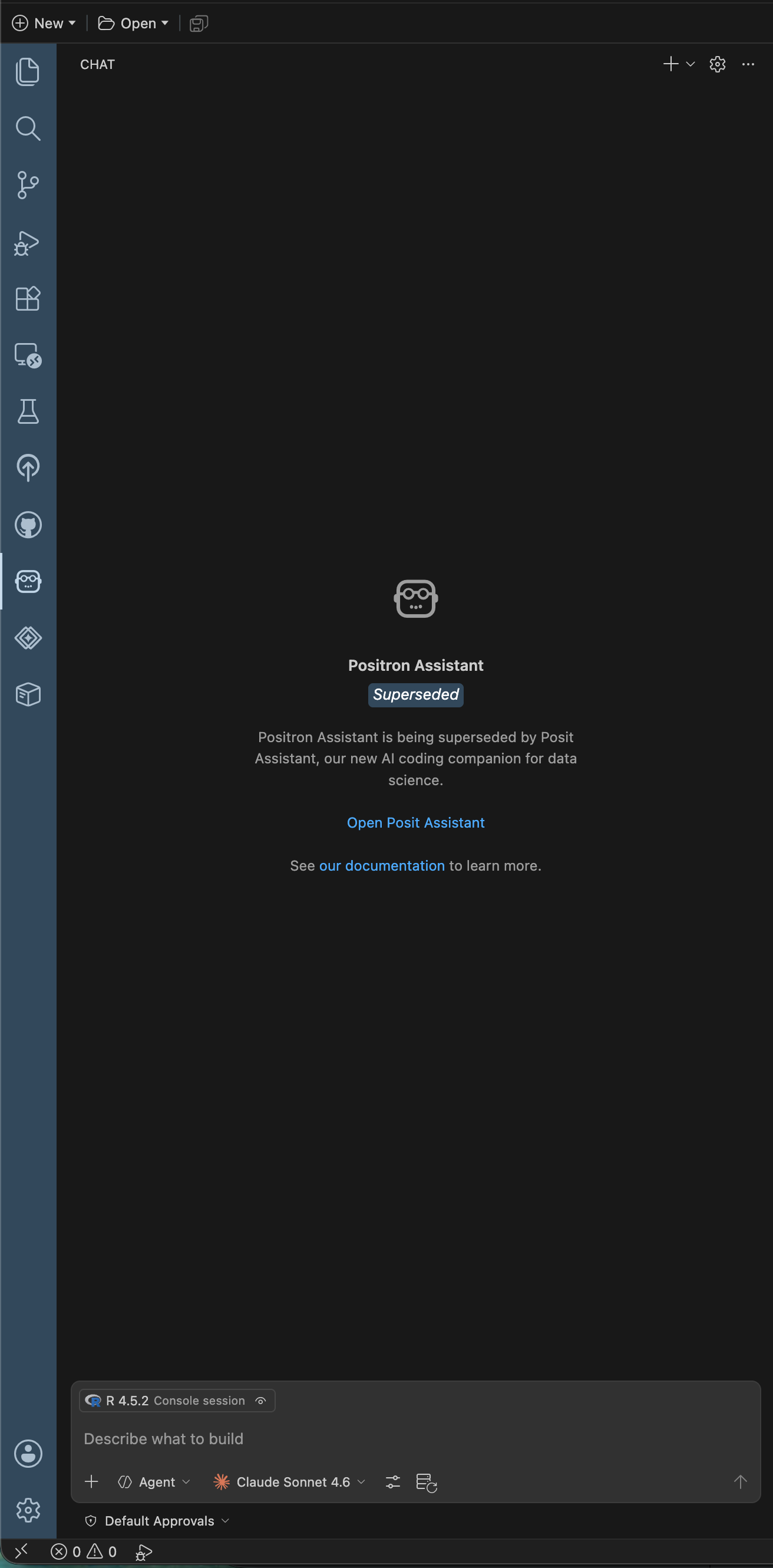
The chat history clock icon seems to be missing in the chat panel of Positron Assistant. Restart, reinstall, and reboot, didn't help and Positron Assistant seems to insist that it still should be in the upper right of the chat panel.
Is there a setting I inadvertently changed or is this part of the transition to Posit Assistant?
I wonder if you might have the Posit Assistant chat panel open, which has different UI than the Positron Assistant chat panel. Can you please confirm if you are looking at:
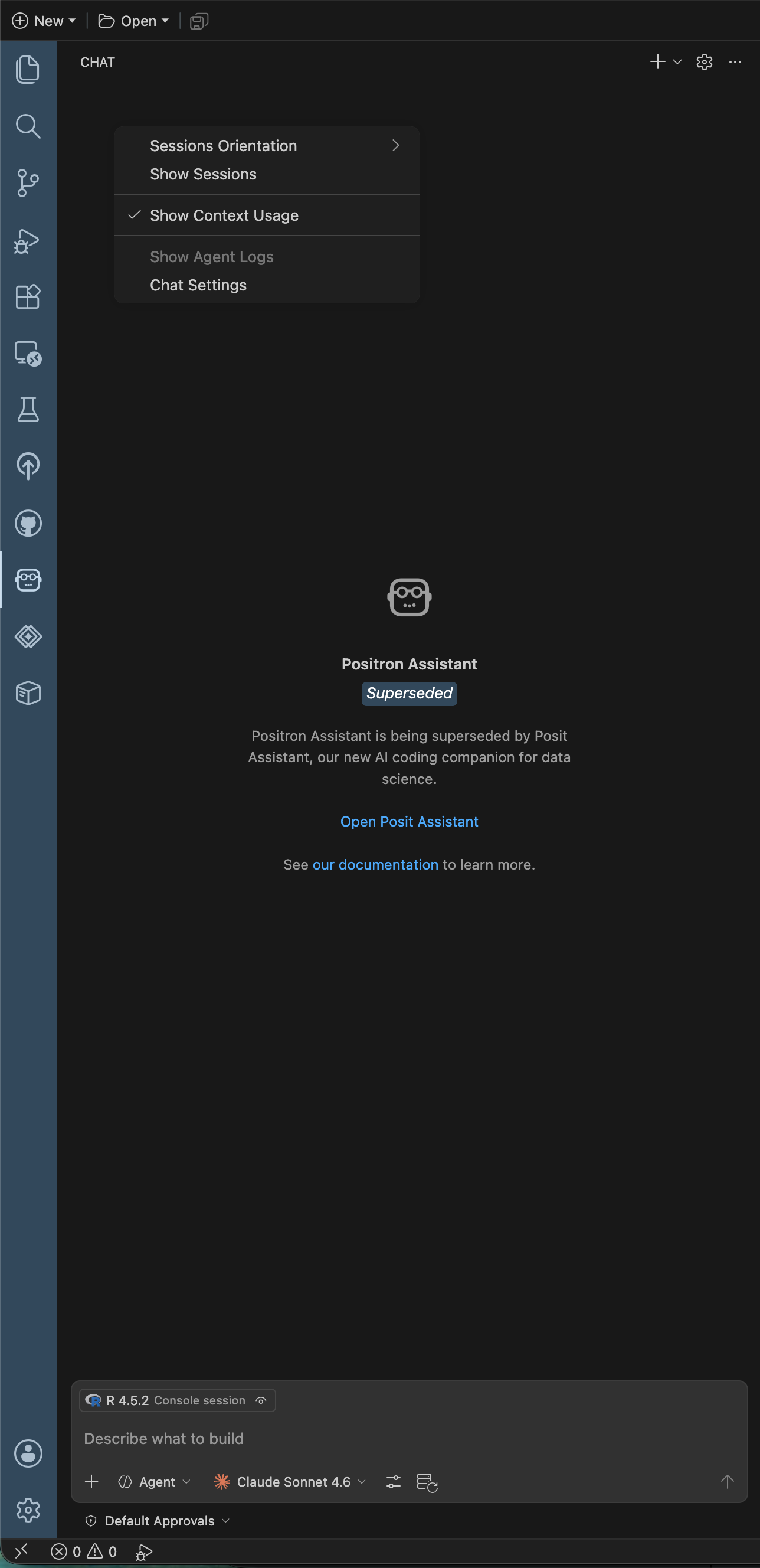
It must be some setting that I modified, possibly related to a right click in the chat panel and checking the Show Sessions that opens a SESSIONS sub-panel. Unchecking Show Sessions does remove the sub-panel.
Yes, I recommend moving over to Posit Assistant, as Positron Assistant will be deprecated relatively soon.
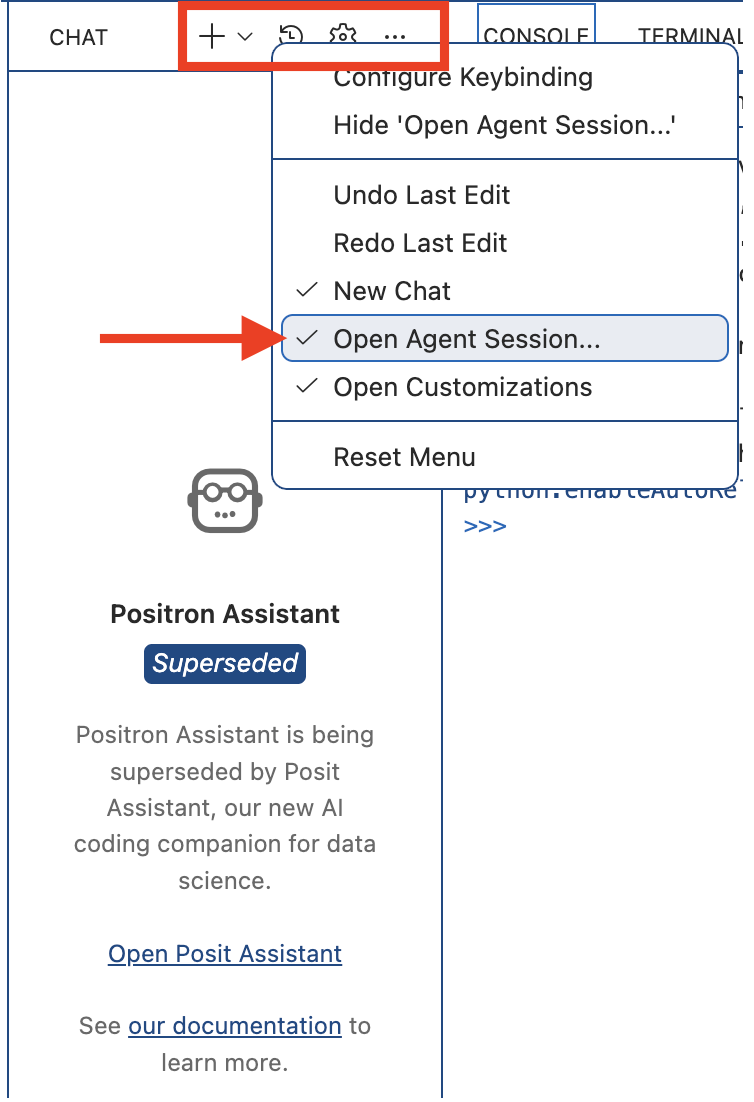
But to get you unblocked here, I wonder if you see options like this if you right-click on the Positron Assistant chat bar (specifically where the settings cog, plus +, and ... are), if you have Open Agent Session... checked? That corresponds to the chat history clock icon:
Alternatively, clicking on that clock icon runs the Chat Agent Sessions: Open Agent Session... command, so you could run that command in the Command Palette to open up the chat history as well.
Thanks for looking into this! I have moved on to Posit Assistant and it's working great so far.
My right-click menu (in various spots) in the Positron Assistant chat bar looks different than what you show. I also tried the command approach and had a separate chat with claude.ai in a browser asking about settings and even source code of my specific Positron build to no avail. In the end, I concluded that this is a fast moving landscape and heading to Posit Assistant was the best move.