Hello everyone! Long time lurker, first time poster here.
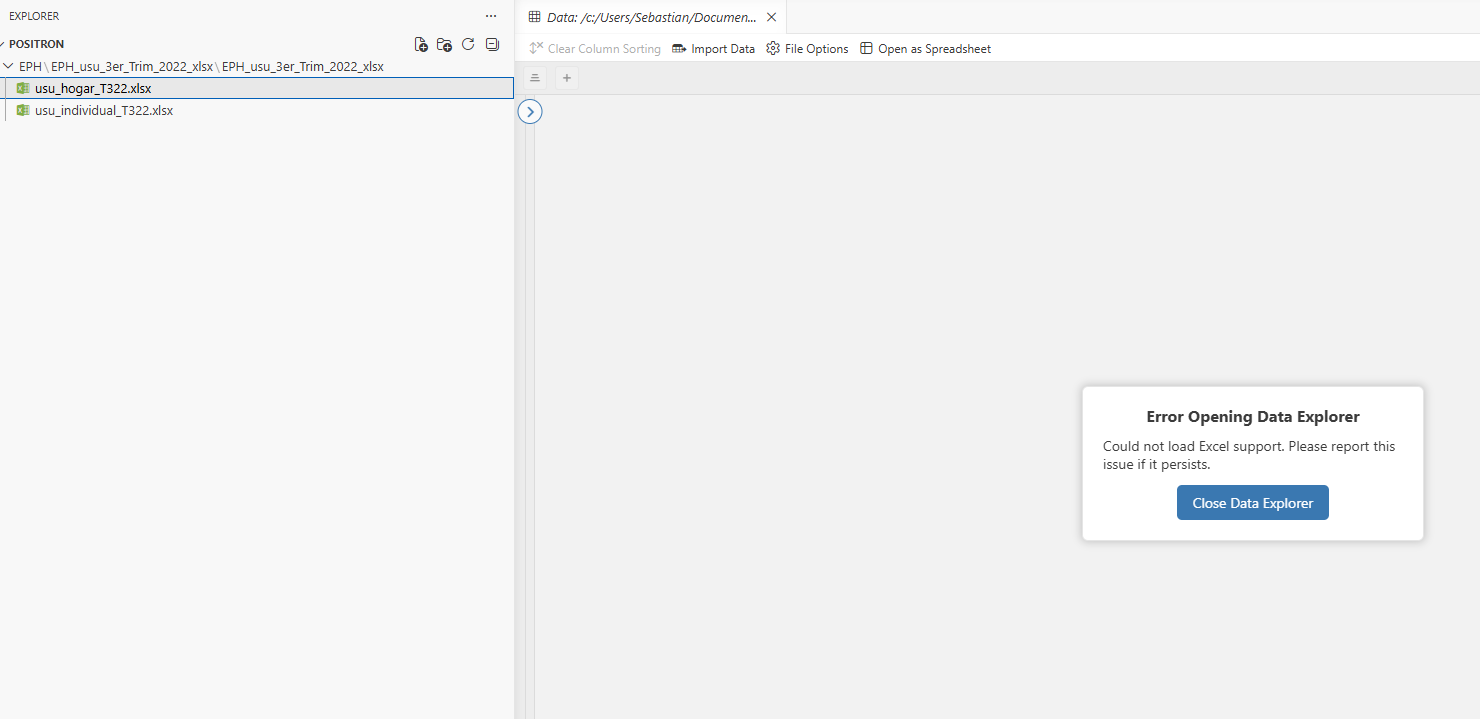
I'm using Positron on ARM64 architecture, and I'm having some issues visualizing excel files in data explorer. It constantly tells me that it couldn't load Excel support. This doesn't happen in my x64 machine and there, it works correctly. Both machines have Windows 11, and both have the same Office installed (Office 365).
This is what happens when I click an Excel file in data explorer:
Hey there Julia! Nice to see you (after seeing you in your great media of course, thanks to you I'm using the AI assistant much more fluently than what I initially expected)
Thanks for the quick reply. I'll jump in the GH issue to help troubleshoot if it's worth something. My suspicion came to something like that after testing in two ARM64 machines being able to replicate, but not able to replicate on x64 (knowing that displaying Excel files relies on DuckDB). While this is not a core issue, I reckon I use the data explorer feature a lot.
I'm migrating to Positron from SPSS and R Studio. I generally work with big files (census data, 40/50M registers, household surveys, 50/100K registers) and now working with ARM, so it's all new for me.