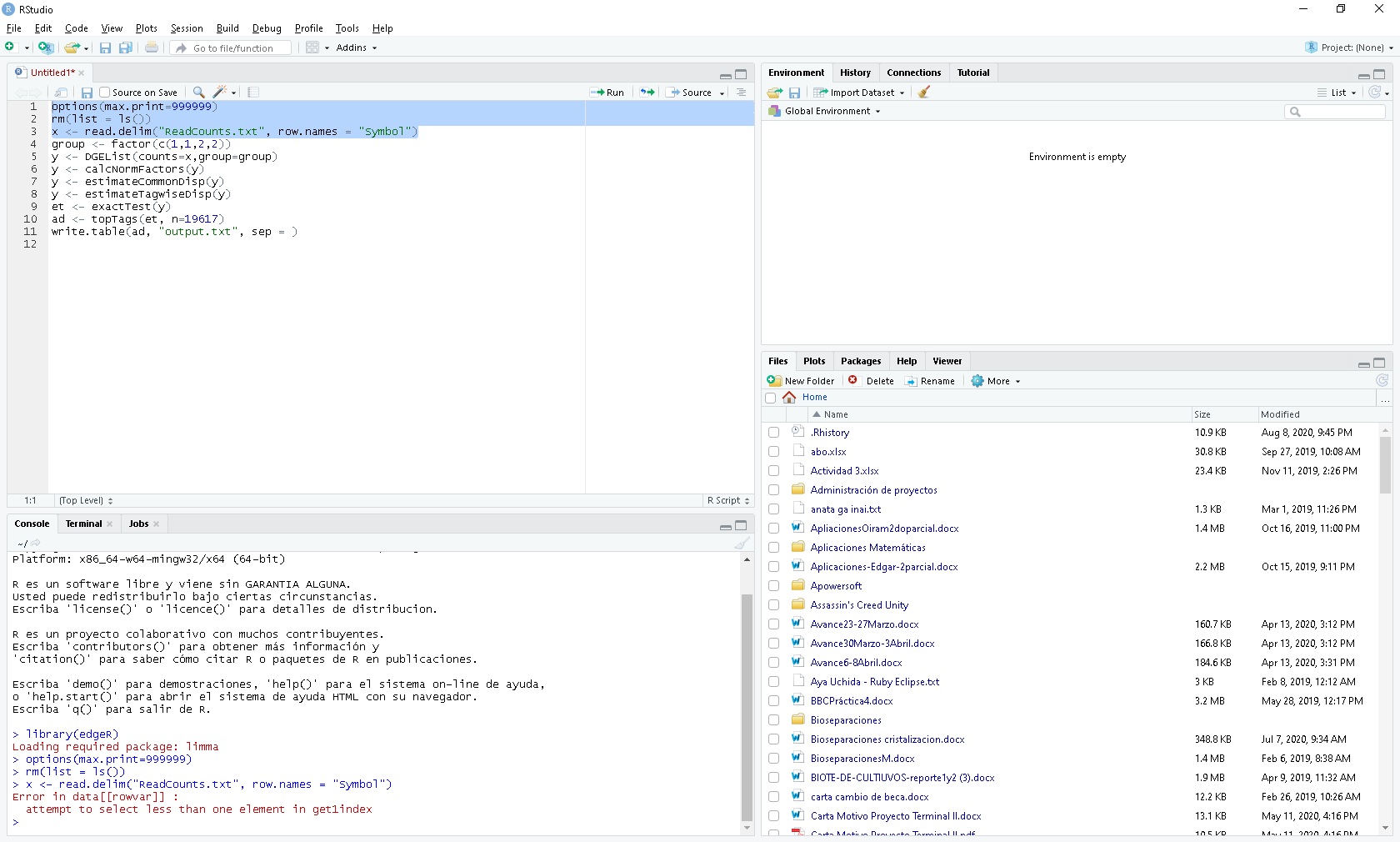
I need help, I get this error when executing this script, can you tell me what is wrong?
Hi @juan9302,
Welcome to the RStudio Community Forum.
It's difficult to answer your question without seeing your datafile (or the first few lines of it). Try removing the row.names= argument from the read.delim function and see what you get?
Does your text file have one row at the top containing the column names? Are the data columns separated by TAB characters? If not, check help(read.delim) to see how to change these defaults.
HTH
okidoki im try , give me a minute  thanks
@juan9302,
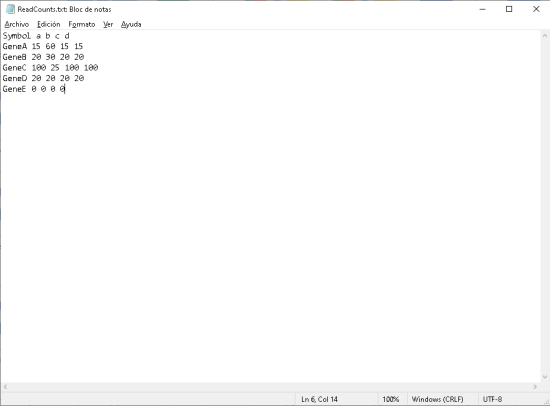
File structure seems OK. Looks like separator character is SPACE not TAB. Try using:
read.delim("ReadCounts.txt", row.names="Symbol", sep=" ")
HTH
oki Dave give a minute please
Thank you, if you helped me a lot, now I have another question, can you help me? , this code you know if it can be executed instead of txt. in csv.
options(max.print=999999)
rm(list = ls())
x <- read.delim("ReadCounts.txt", row.names = "Symbol", sep = " ")
group <- factor(c(1,1,2,2))
y <- DGEList(counts=x,group=group)
y <- calcNormFactors(y)
y <- estimateCommonDisp(y)
y <- estimateTagwiseDisp(y)
et <- exactTest(y)
ad <- topTags(et, n=19617)
write.table(ad, "output.txt", sep = )
hehehe sorry is cvs . XD
@juan9302,
Yes, of course R can read .CSV files. It might be time for you to do some "homework":
help("read.csv") or Google search "read CSV file in R".
thank Dave, you deserve heaven
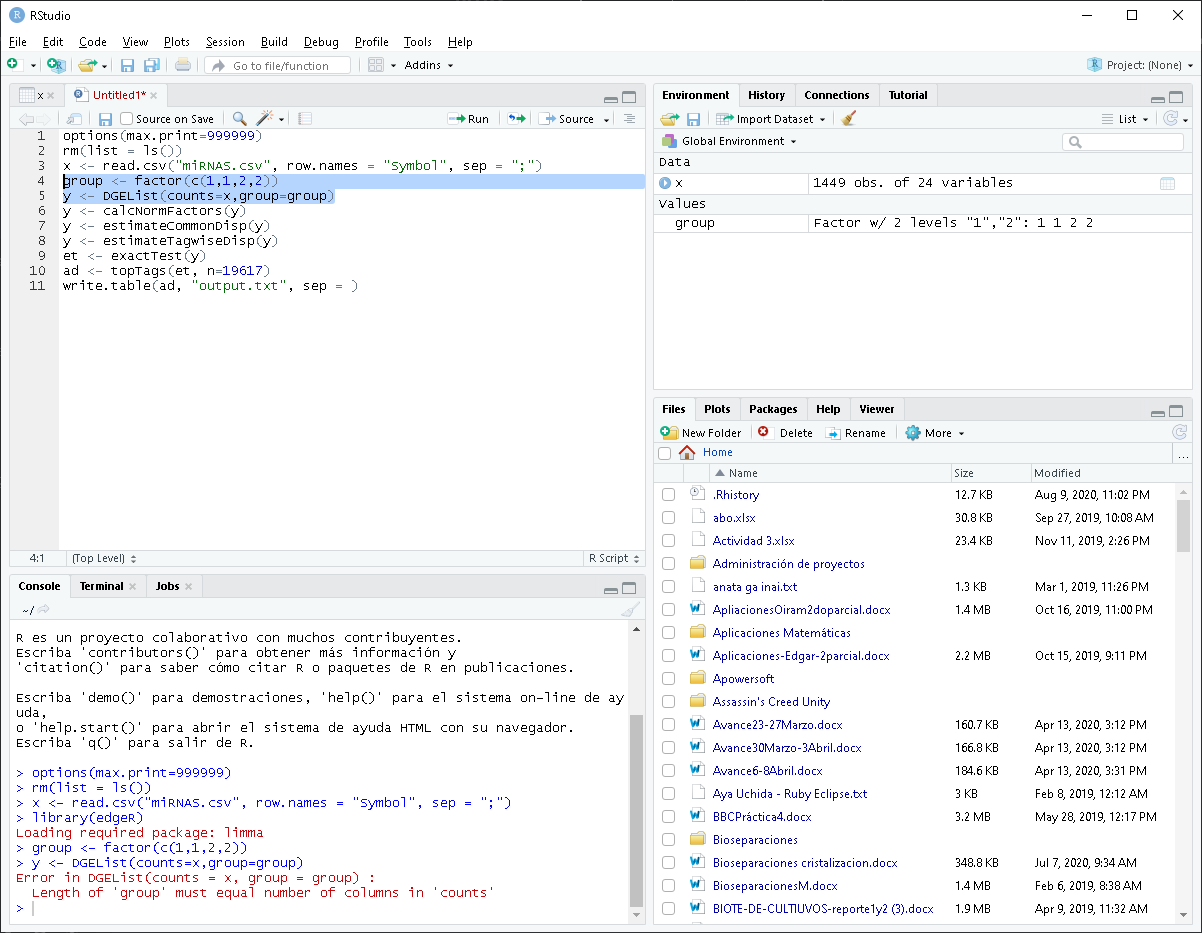
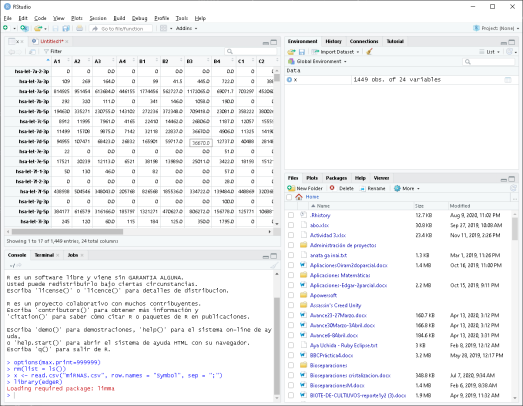
I have not used the edgeR package, so its time for you to thoroughly read documentation! I note that DGEList() requires matrix input not data.frame (which you would have obtained from read.csv()).