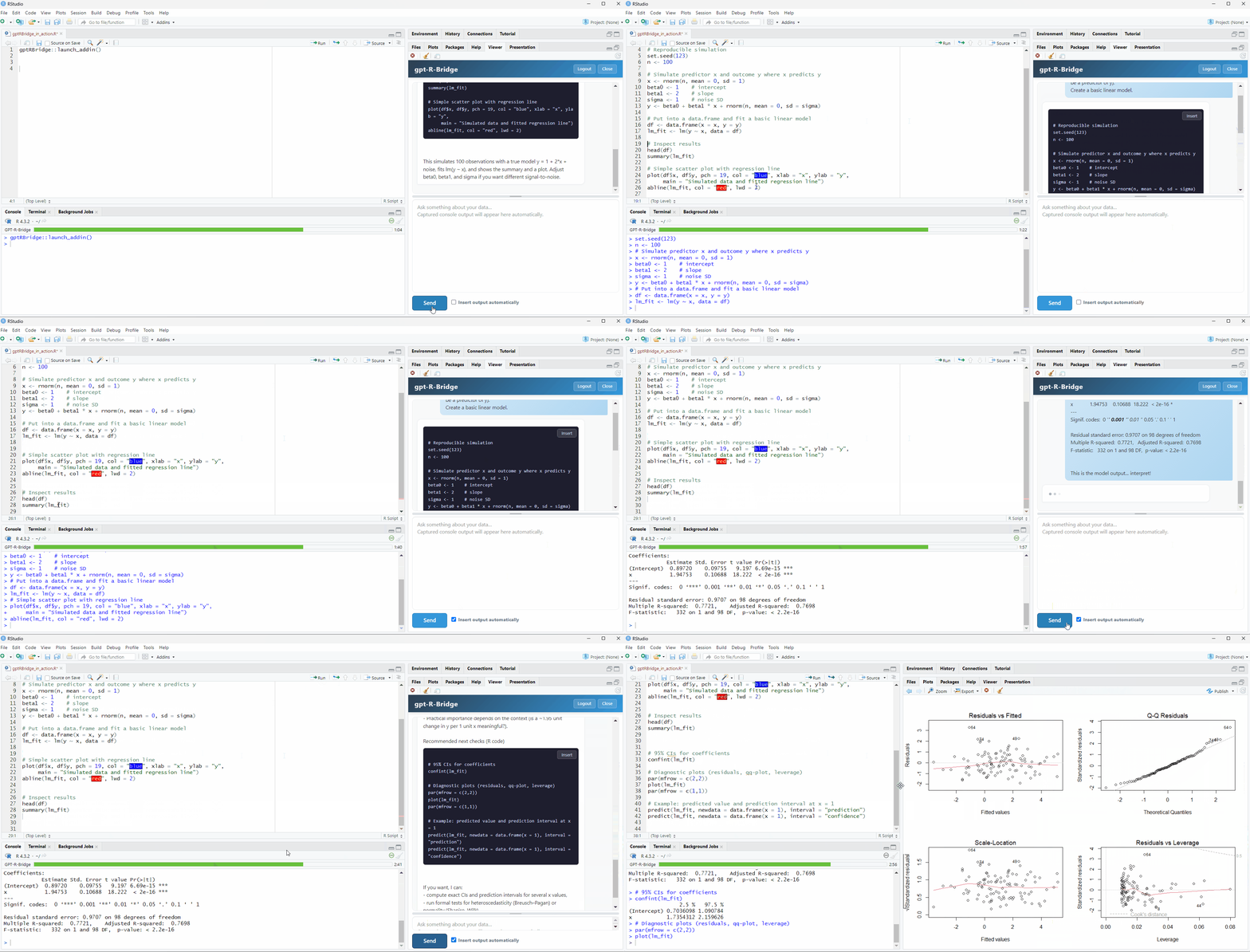
I want to share a small addin I built to solve a workflow problem that was genuinely slowing me down.
The loop probably sounds familiar: you hit an error, switch to an AI chat window, describe the problem, get a suggestion, copy it back into RStudio, run it, get another error, copy that back, and so on. For iterative work like adjusting a plot or debugging a function, this back-and-forth gets exhausting fast.
gptRBridge puts a GPT chat panel directly inside RStudio. When you get a code suggestion, one click inserts it into your editor. When you get an output or an error, it gets captured automatically and sent to the AI panel. No switching windows, no clipboard, no copy-pasting.
The other thing I wanted to fix: every existing R/AI package requires setting up your own API account, managing keys, storing credentials in .Renviron... It's significant friction before you can even evaluate whether the tool fits your workflow. With gptRBridge none of that is needed. You install, register, and start working.
Install
install.packages("gptRBridge", repos = "https://nikkn.r-universe.dev")
Launch
gptRBridge::launch_addin()
There's a free trial to get started, details on GitHub.
I've been using this daily for my own work and decided to share it in case it's useful to others. More than anything I'm curious how people in this community currently handle the R/AI workflow, and what would actually make a tool like this worth using long-term.