Dear community and developers,
as a visual impaired person, I rely on some features to be able to work efficiently and I am glad that Rstudio has implemented some that I am making use of, such as Dark mode themes.
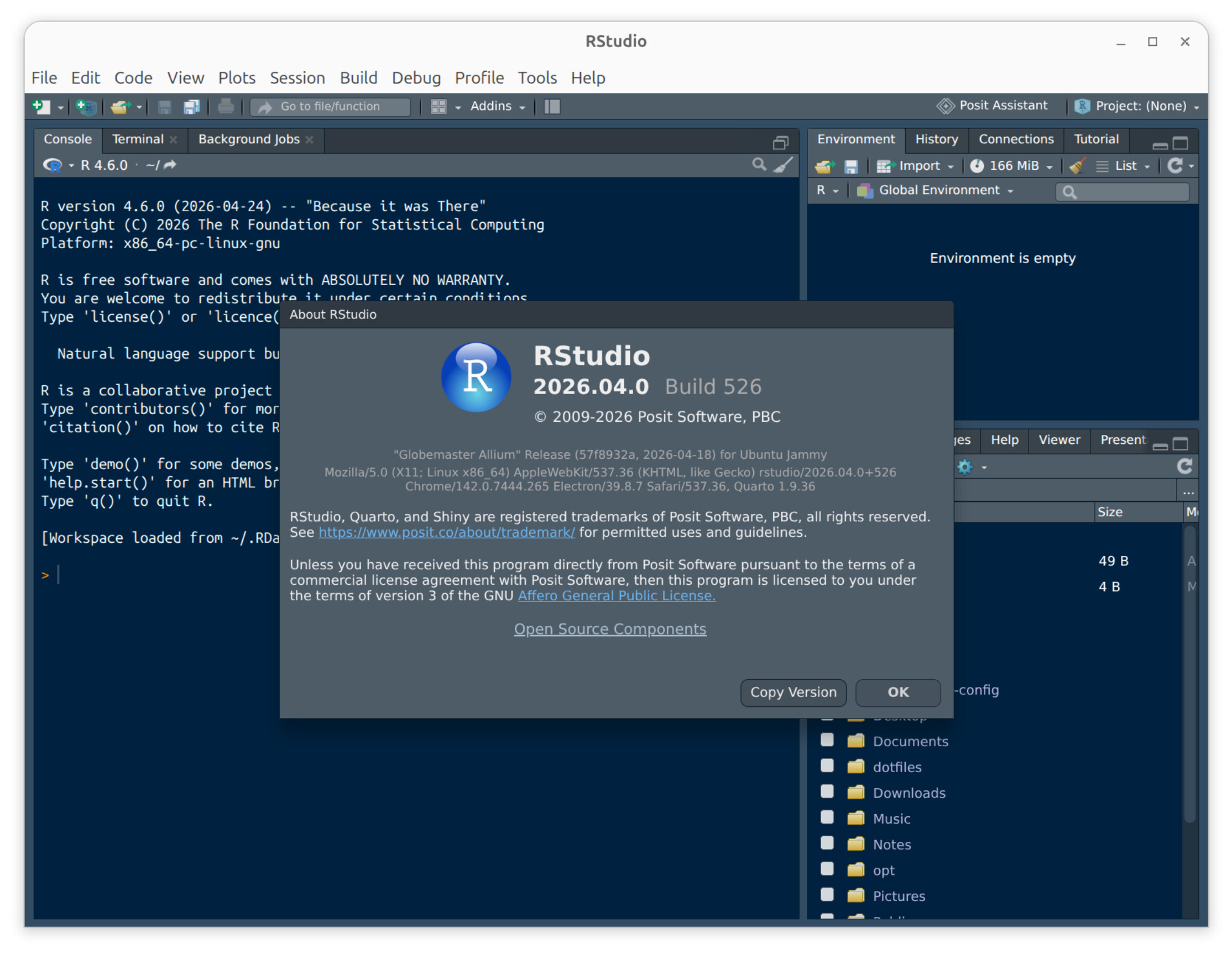
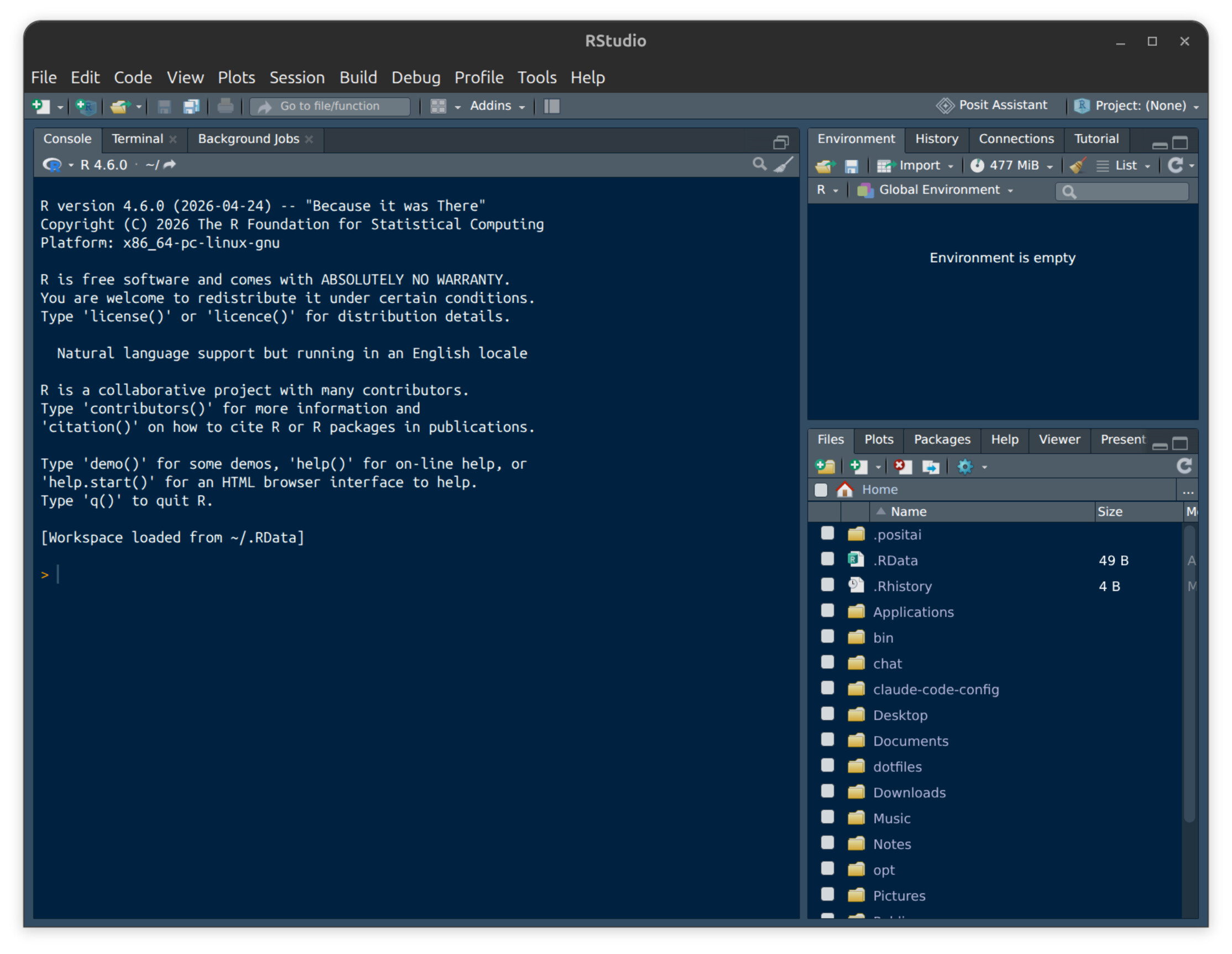
Since I am using Rstudio on Ubuntu 20.04 lts, 24.04. lts and just tried it on 26.04. lts, I realized that Rstudio is not 100 % in Dark Mode from 24.04. LTS onward.
While by default Rstudio is in White Mode, meaning everything is very bright and hurts my eyes (maybe this can be adapted to global OS setting?), even after changing to a Dark Theme in-app, the "global environment" setting are still bright and the font small. Also, the Top bar of the window always stays bright, which with my eyes can still be okay, but I rely on a whole interface Dark Theme.
I wondered if this can be changed from developer's point of view? It would be great : )
And with my retinal degeneration progressing in the next few years towards blindness, I will come up with more and more inquiries and ideas to help make Rstudio and other products more accessible, since accessibility does not begin with/for legally blind people.
cheers.