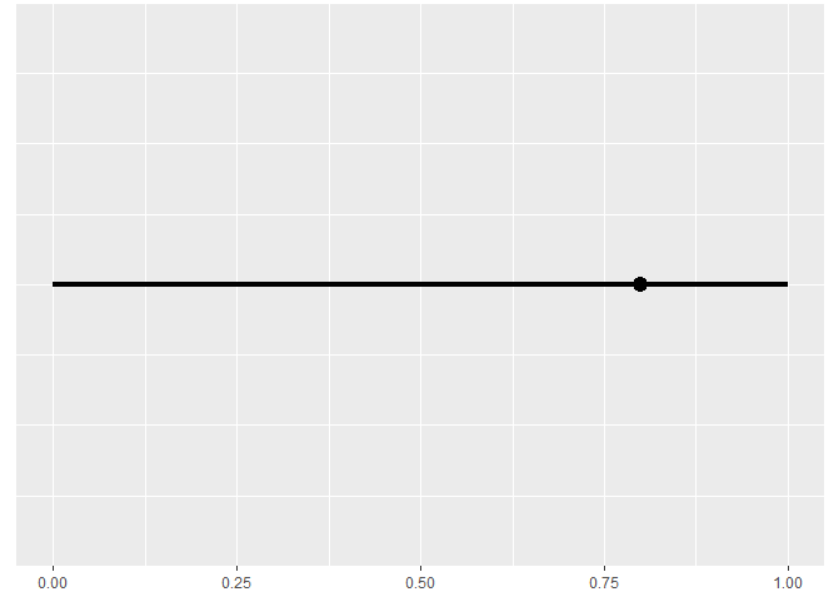
I'm making a line that spans from 0-1, and plotting a single dot on top of it.
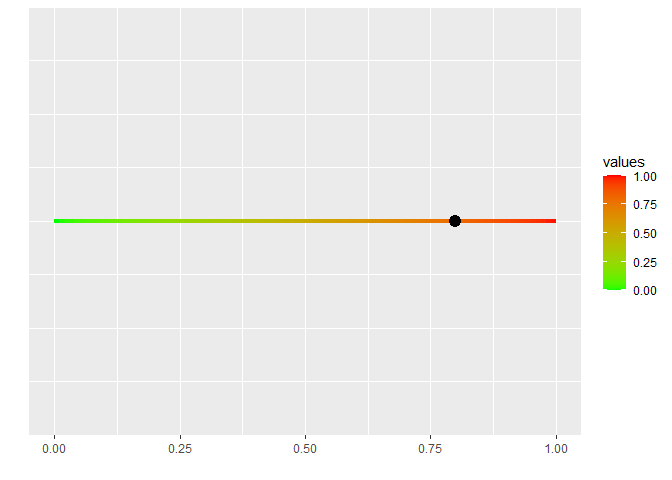
How can I manually make the line a gradient from red(0) to green(1.00) ?
Is there also any way for me to break it up like 0.00-0.19 is red, etc etc?
slider <- data.frame("values"=seq(0,1))
dot_value <- data.frame("Result"= 0.8)


ggplot(slider, aes(x=values, y=0)) +
  geom_line(size=1.5)+
  geom_point(data=dot_value,
             mapping = aes(as.numeric(Result)),size=4)+
  theme(axis.ticks.y=element_blank(),
        axis.text.y=element_blank()) +
  xlab("")+
  ylab("")
To get a color gradient on your line, you need:
- split your x-axis onto the smaller pieces (use
by = argument in the seq()). The smaller pieces - the smoother gradient. If you set it to 0.2 you will get 5 steps from green to red.
- Use
aes(color = values) to scale the color
- Use
scale_color_gradient(low = "green", high = "red") to define how colors should change
suppressMessages(library(tidyverse))

slider <- data.frame("values"=seq(0, 1, by = 0.01))
dot_value <- data.frame("Result"= 0.8)


ggplot(slider, aes(x=values, y=0)) +
  geom_line(aes(color = values),
            size=1.5)+
  geom_point(data=dot_value,
             mapping = aes(as.numeric(Result)),size=4)+
  scale_color_gradient(low = "green", high = "red") +
  theme(axis.ticks.y=element_blank(),
        axis.text.y=element_blank()) +
  xlab("")+
  ylab("")
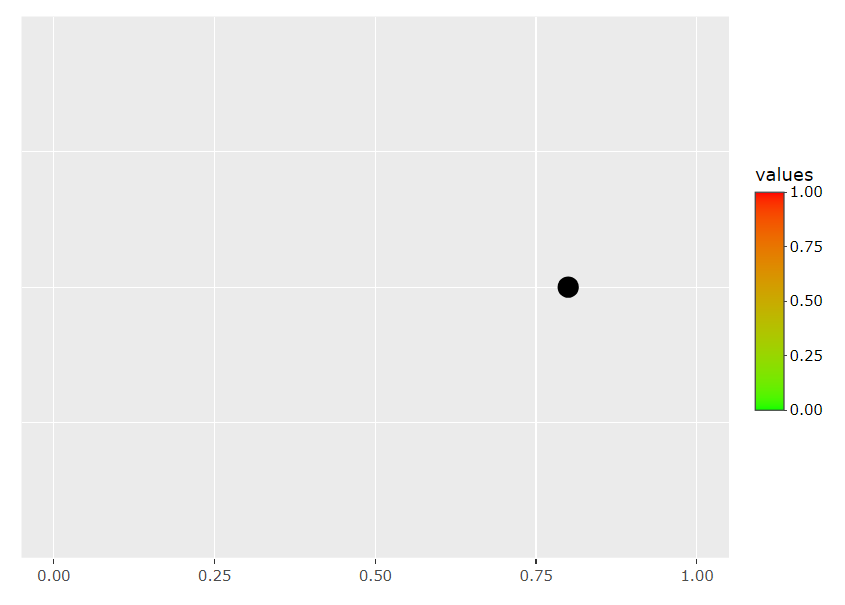
Thank you! Any idea why this won't work with ggplotly?
I have no experience with ggplotly, so can't help. I suggest initiating a new topic with the question about your new problem, otherwise, folks can miss it