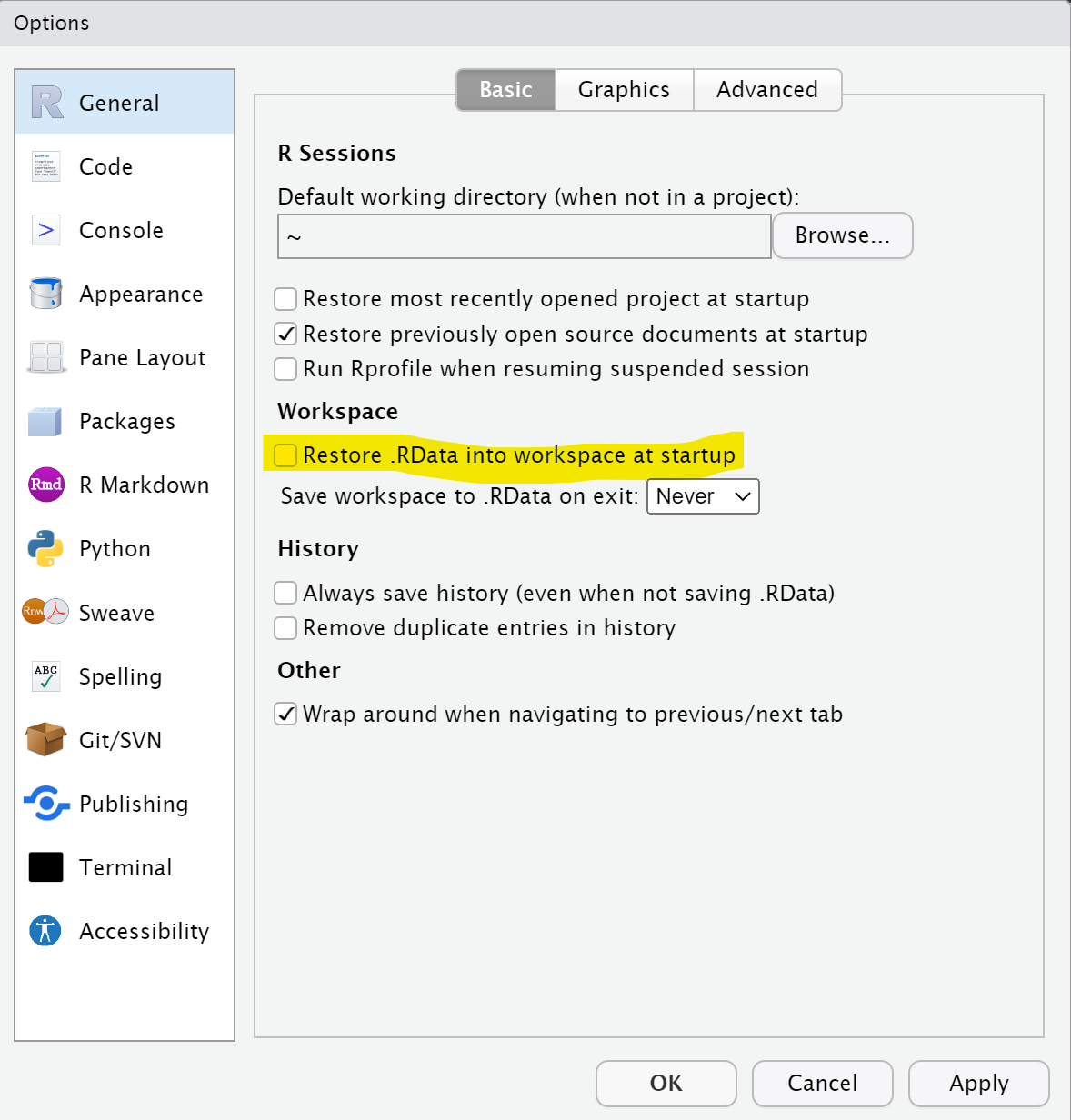
Let's check some possible causes for dplyr being loaded on startup.
-
Disable the "Restore .RData into workspace at startup" option
-
Check the content of
C:\Program Files\R\R-4.2.1\etc\Rprofile.siteand see if there is any command there that could be loadingdplyr. -
Look for any
.Rprofilefile located in your HOME folder (i.e.C:\Users\<< your user name>>\Documents), in your default working directory or in your current working directory and delete it (or rename it if you want to keep the content).