When you do a code chunk that produces a graphic, the way text or other images wrap around is, indeed, controlled by the CSS. So to make one code block produce parallel images you'd have to hack the CSS (god help you).
However, if we turn the images into grobs in a ggplot graphic then we can effectively make one image out of them. This depends on having the magick package installed:
library(cowplot)
library(ggplot2)

p1 <- ggdraw() + draw_image("https://discourse-cdn-sjc1.com/business4/uploads/default/original/2X/5/521809ca3e81d798ffa7af902a4e06a9b9f27d39.jpeg", scale = 0.9)
p2 <- ggdraw() + draw_image("https://discourse-cdn-sjc1.com/business4/uploads/default/original/2X/d/d8e5fa515558cf5edc2d140255bc36c351051b2a.jpeg", scale = 0.9)

plot_grid(p1, p2)
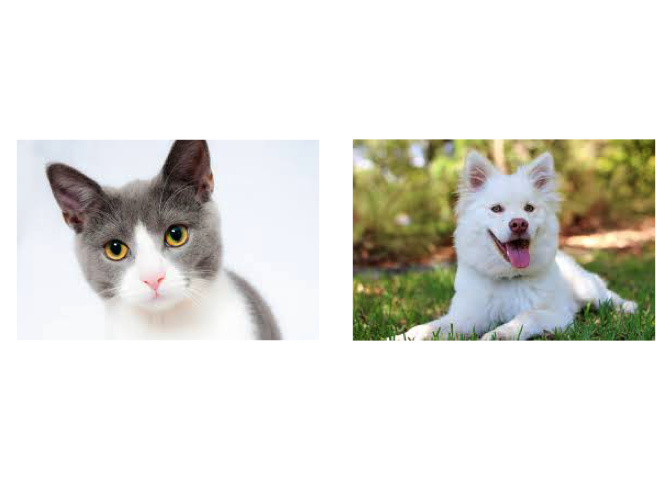
You'll have to fiddle with sizing and that sort of thing, but it's a start!